Contracts + e-signature
Turn a won deal into a formal contract using reusable templates, then send it for electronic signature and track its status without ever leaving CRM.
Start from a template
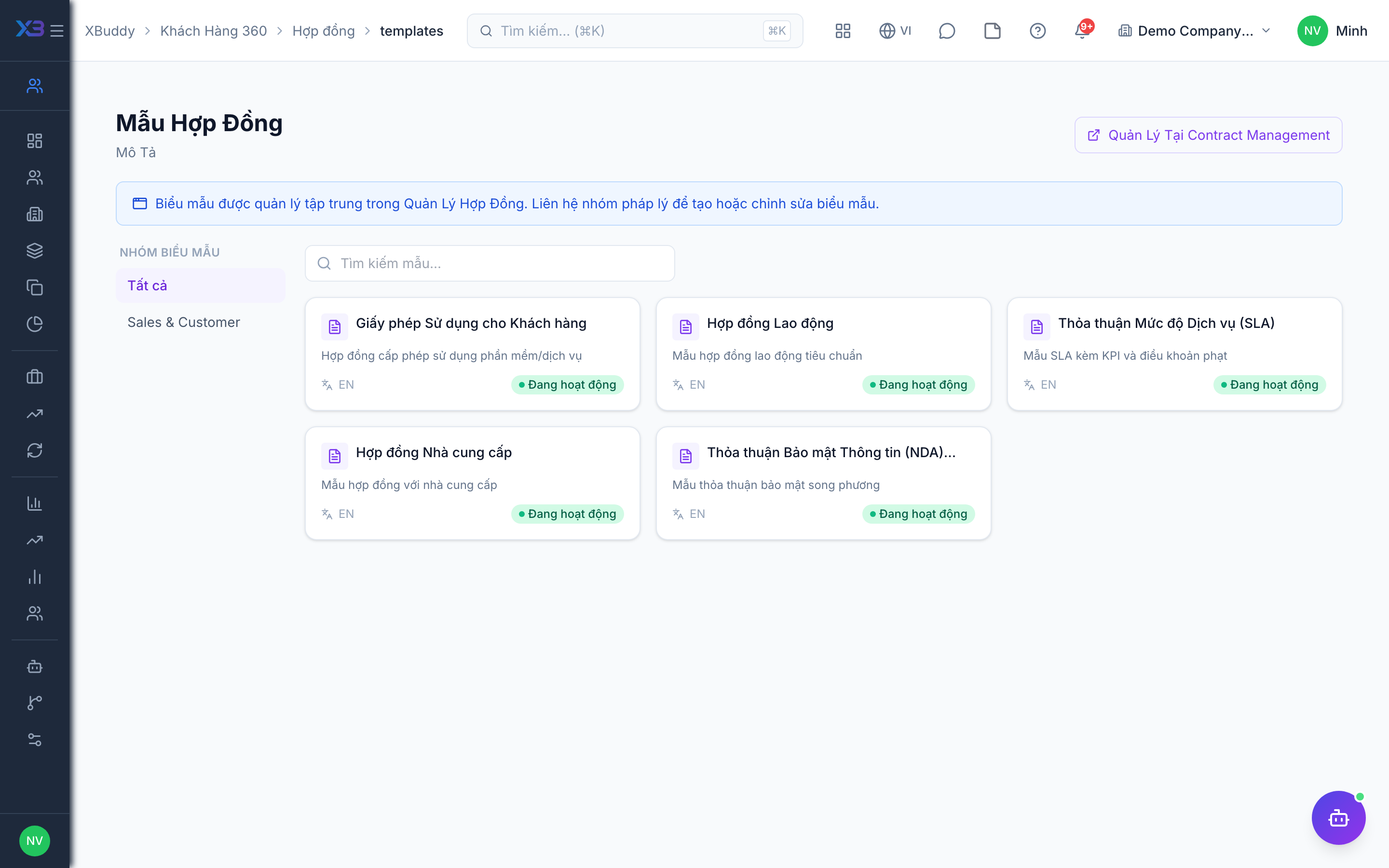
Go to CRM → Contract Templates, pick a template, and generate a new contract pre-filled with the account and deal data — terms, parties, and pricing carried over automatically.
Attach and review
The contract is stored in CRM → Contracts and linked in Documents. Review clauses before sending — the CS Guardian and contract-related AI agents can flag risky or non-standard terms for a second look.
Request signature
Click Send for signature. The counterparty receives an e-signature request; XBuddy tracks its status through sent → viewed → signed and notifies you at each step, so you never have to chase a signature by email.