Workflows & examples
When to use
These examples show how the pages in this guide fit together end to end.
Examples
1. Draft, review, and sign a contract
- Create it in All Contracts → New from a template, inserting clauses from the library.
- Send to Pending Review; legal and the AI assistant vet the terms.
- Route for e-signature; on execution it becomes active with renewal tracked.
2. Generate a contract from a won deal
- A deal is marked won in CRM.
- A contract is generated here with the counterparty, value, and terms carried over.
- It enters the lifecycle at draft/review — no re-keying of deal data.
3. Manage a renewal
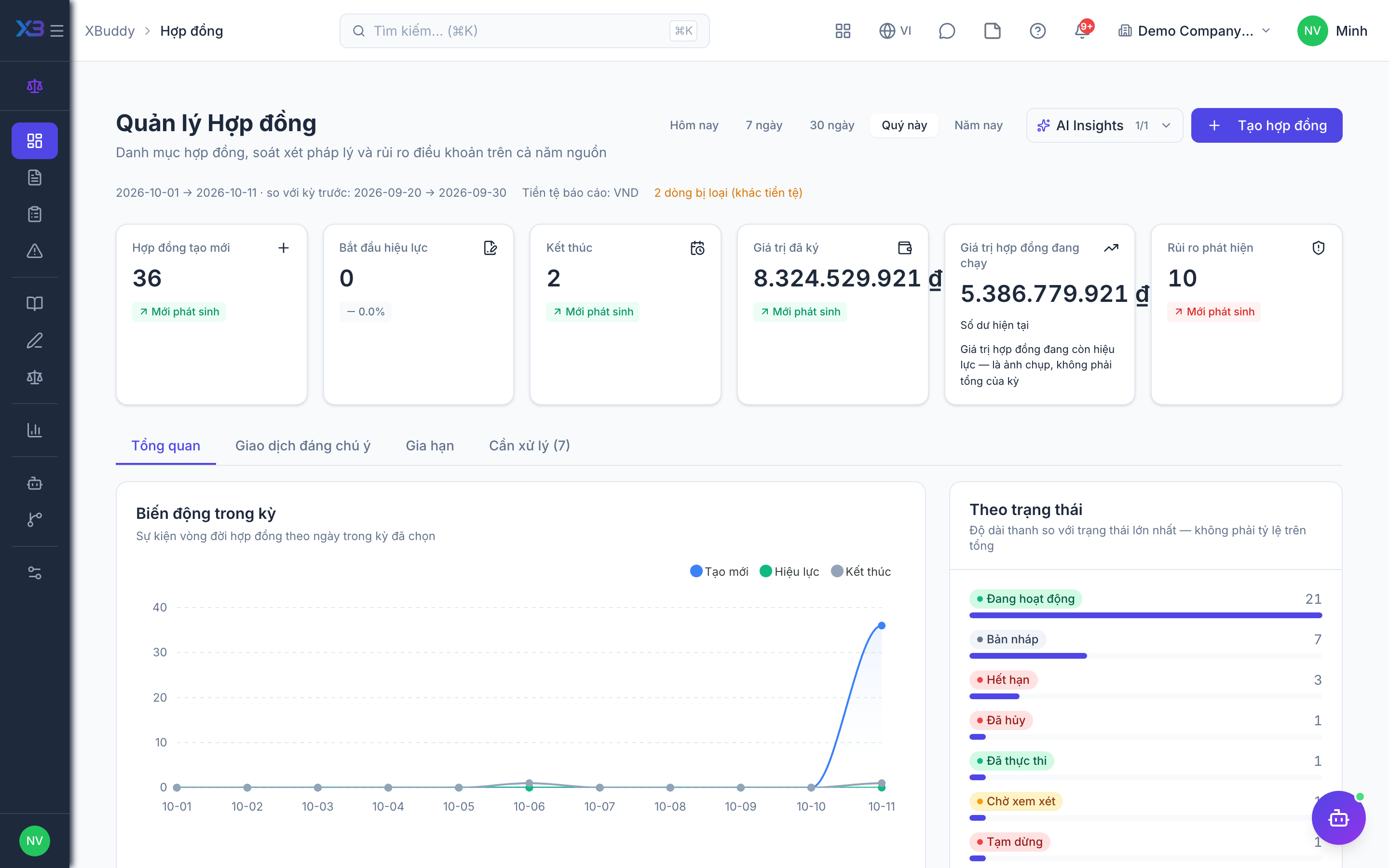
- The Overview flags a contract approaching expiry; the Contract Lifecycle assistant nudges the owner.
- Negotiate updated terms, drafting from the clause library.
- Route the renewal for signature before the current term lapses.
Tips & common mistakes
- Start from the source app for CRM, vendor, Field Service and Service Management contracts; the hub only reads them.
- Review decisions can also run through a Workflow, which writes the outcome back to the review.