Settings and access
Control who can see and edit articles, and tune search.
When to use
Use this when onboarding a team, tightening who can edit content, or fixing search that feels stale.
Before you start
- Settings are reached from
/knowledge/settingsand needsettings:readto appear in the menu. - Data scope (own / team / all articles) is at
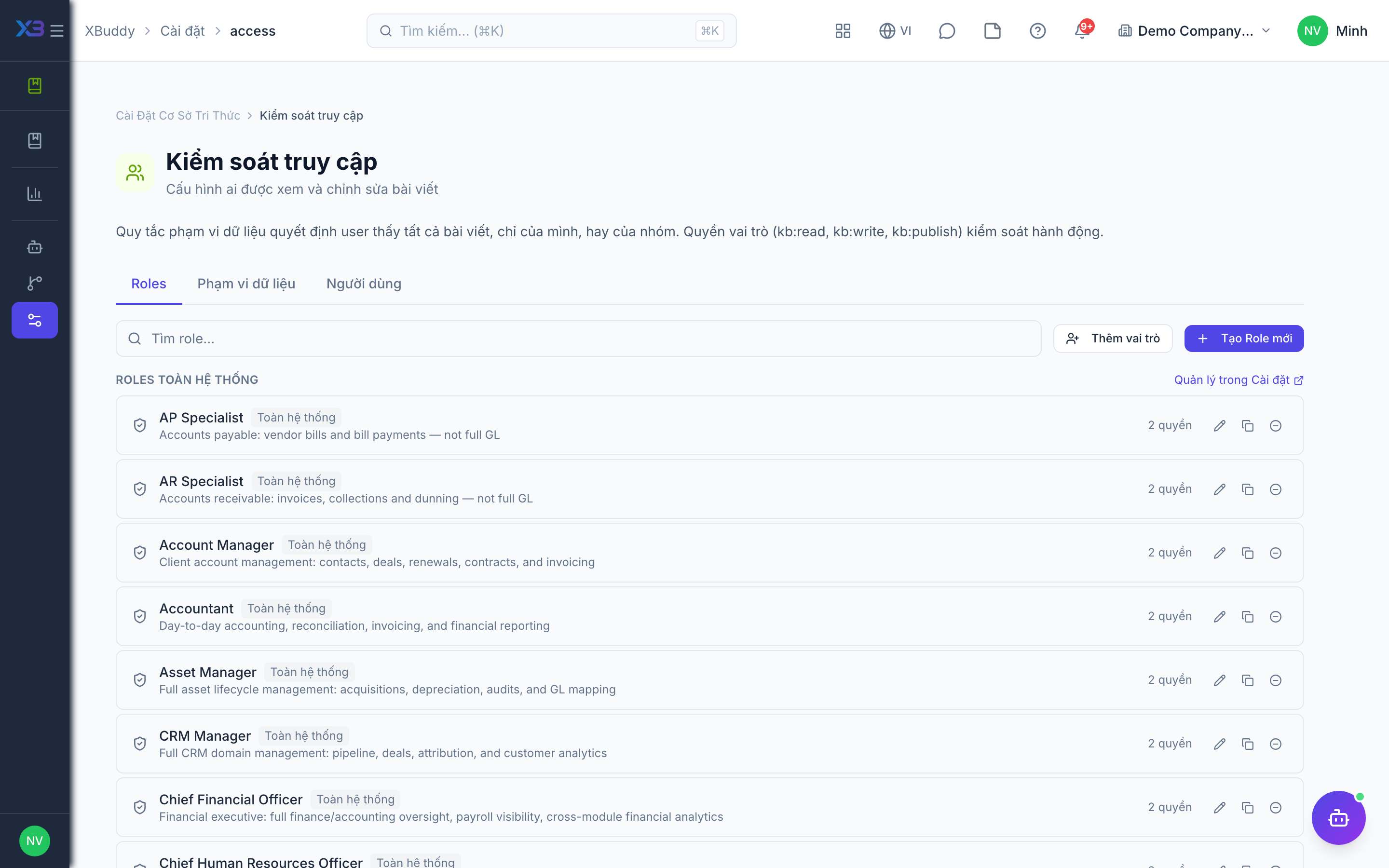
/knowledge/settings/accessand needsknowledge:admin. - Search configuration and reindexing are at
/knowledge/settings/searchand needkb:write; the reindex button needs the manage permission.
Steps
-
Open /knowledge/settings.
-
In /knowledge/settings/access, choose whether people see their own articles, their team’s, or all.
-
In /knowledge/settings/search, adjust search behavior; run a reindex if new content is not showing in results.
-
Review the four toggles on the settings hub: public access, version control, comment moderation, and employee AI ask.
Tips & common mistakes
- Start with a narrow data scope and widen it only when needed.
- Reindex after bulk imports so search stays accurate.
- Employee AI ask is off by default; turn it on only when ready for AI answers to staff with read access.
- Only editors can always ask the AI; the toggle affects read-only staff.