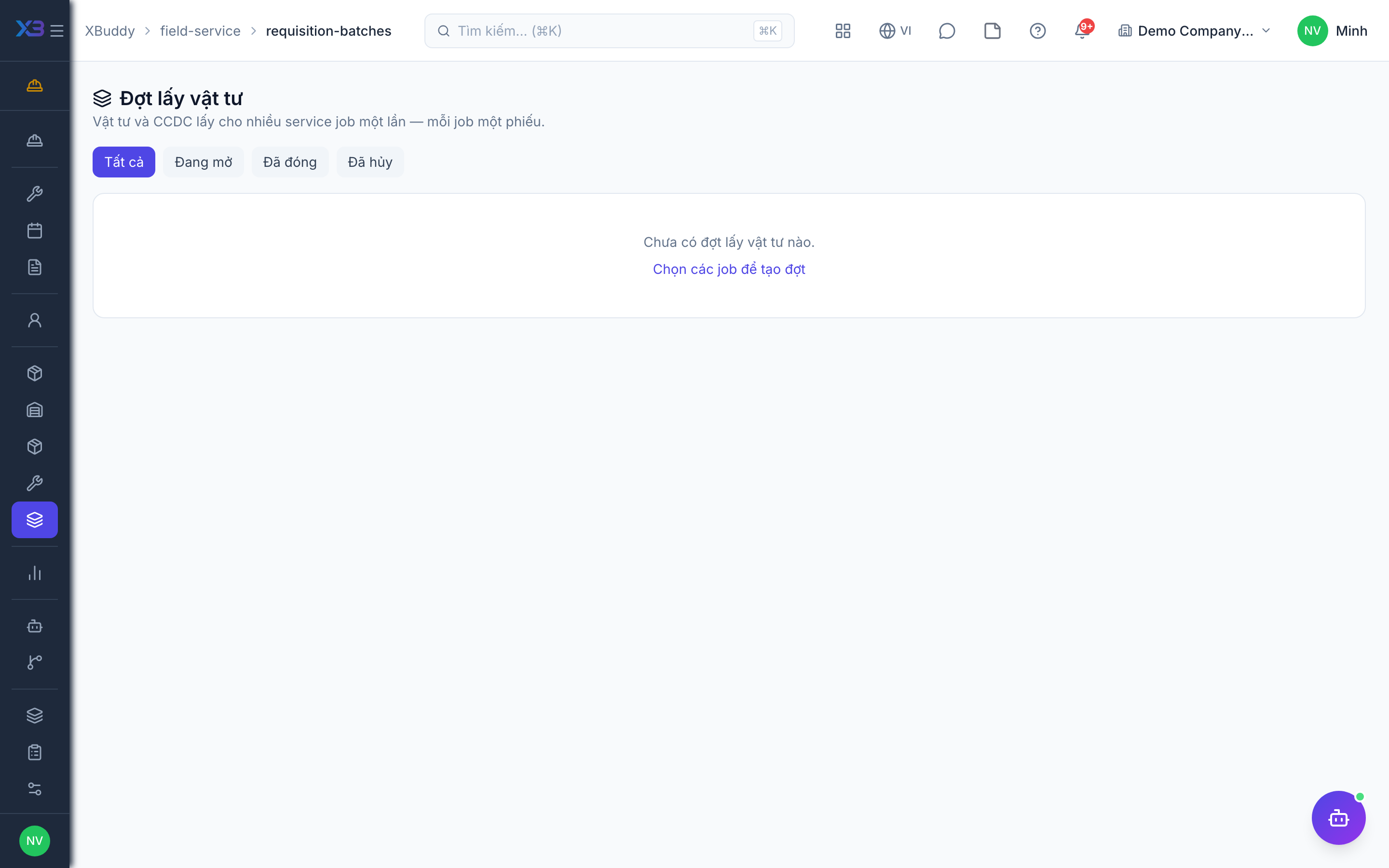
Requisition batches
A requisition batch collects several jobs into one pick-up so the storekeeper issues parts once, using each job’s missing parts.
When to use
Use it at the start of the day or week when many jobs need parts from the same warehouse.
Before you start
- Open
/field-service/requisition-batches. Permissions:field_service:readto view and create/submit/cancel with write; approving needsfield_service:executeplusinventory:request; issuing and returning needfield_service:executeplusinventory:write.
Preview
Select the jobs and preview what each one still needs.
Create and submit
Create the batch and submit it for approval.
Approve, issue and return
Approve the batch, issue the parts, and later take back what was not used. Each action runs through the individual requisitions one by one.
Close
Close the batch when everything is issued and returned.
Tips & common mistakes
- A batch action can partly succeed: check the result per requisition and retry the failed ones.
- Only missing parts are requested, so repeating the preview does not double the request.
- Returnable parts per batch are listed on the batch.