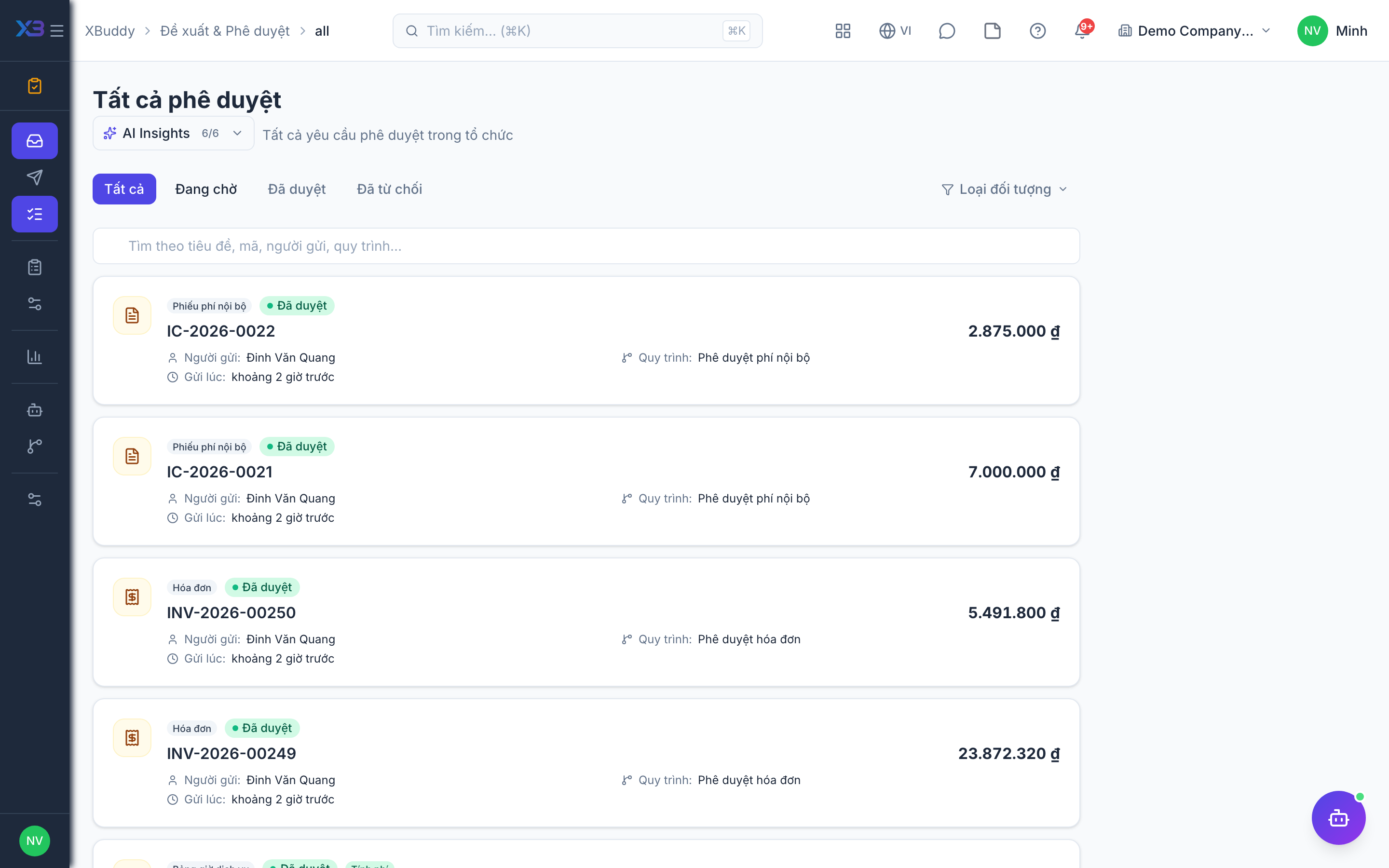
Tracking Sent requests
When you submit something that needs approval, the Sent view lets you watch its progress without pinging the approver.
Open Sent
Go to Approvals → Sent to see every request you initiated.
Read the status
Statuses show pending → approved / rejected, and for multi-step chains, which step and which approver it’s currently sitting with.
Follow up
If a request stalls, the Approvals Steward may already have nudged the approver; you can also see who is holding it up.