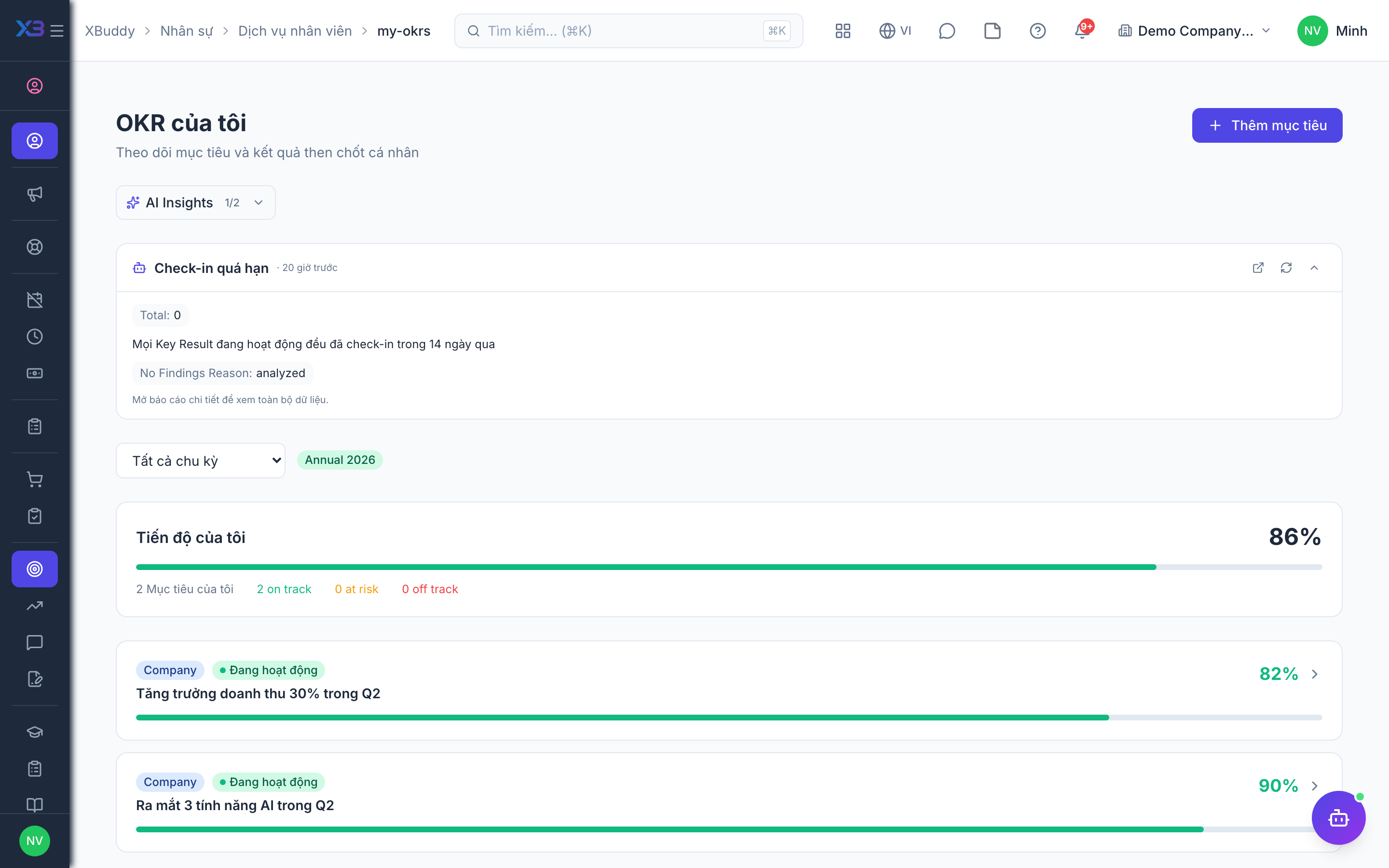
Tracking your OKRs and growth
When to use
Use this to keep your goals and learning in one place: see your objectives, update progress, find courses and see what you have achieved. It reads from OKR, LMS, Performance and Skills; the portal itself holds no separate copy.
Before you start
- Permission:
hr:own; updating key results follows your OKR permissions. - Learning pages work for every employee, even if your company has not bought the LMS app.
- Performance and development-plan summaries are shown read-only.
Review your objectives
Go to Self-Service → My OKRs to see the objectives and key results assigned to you.
Update progress
Update the current value on each key result so your manager sees live progress without a status meeting.
Enroll in training and update skills
Go to Self-Service → Training to browse and enroll in available courses, then update your proficiency in Self-Service → Skills as you learn.
Your growth pages
| Page | Route |
|---|---|
| My OKRs | /hr/self-service/my-okrs |
| My Skills | /hr/self-service/skills |
| My Learning | /hr/self-service/learning |
| My Submissions | /hr/self-service/submissions |
| Transcript | /hr/self-service/transcript |
| My Certificates | /hr/self-service/my-certificates |
Tips & common mistakes
- Update progress weekly so your manager does not have to ask.
- Use the transcript as a ready list of what you completed before a review.
- Certificates from LMS and coaching are collected in one place.
- If a course is waiting for approval, it will start once approved.