Agenda view
Agenda view flattens your calendar into a chronological, scrollable list — ideal for scanning “what’s next” without hunting across a month grid.
When to use
Open Agenda when you want a quick read of what is coming up, for example first thing in the morning or between meetings. It is also easier than the grid on a small screen.
Before you start
- You need the
calendar:readpermission. No setting has to be switched on. - Agenda shows calendar events only. Tasks and approvals with deadlines are in the Due view.
Steps
Switch views
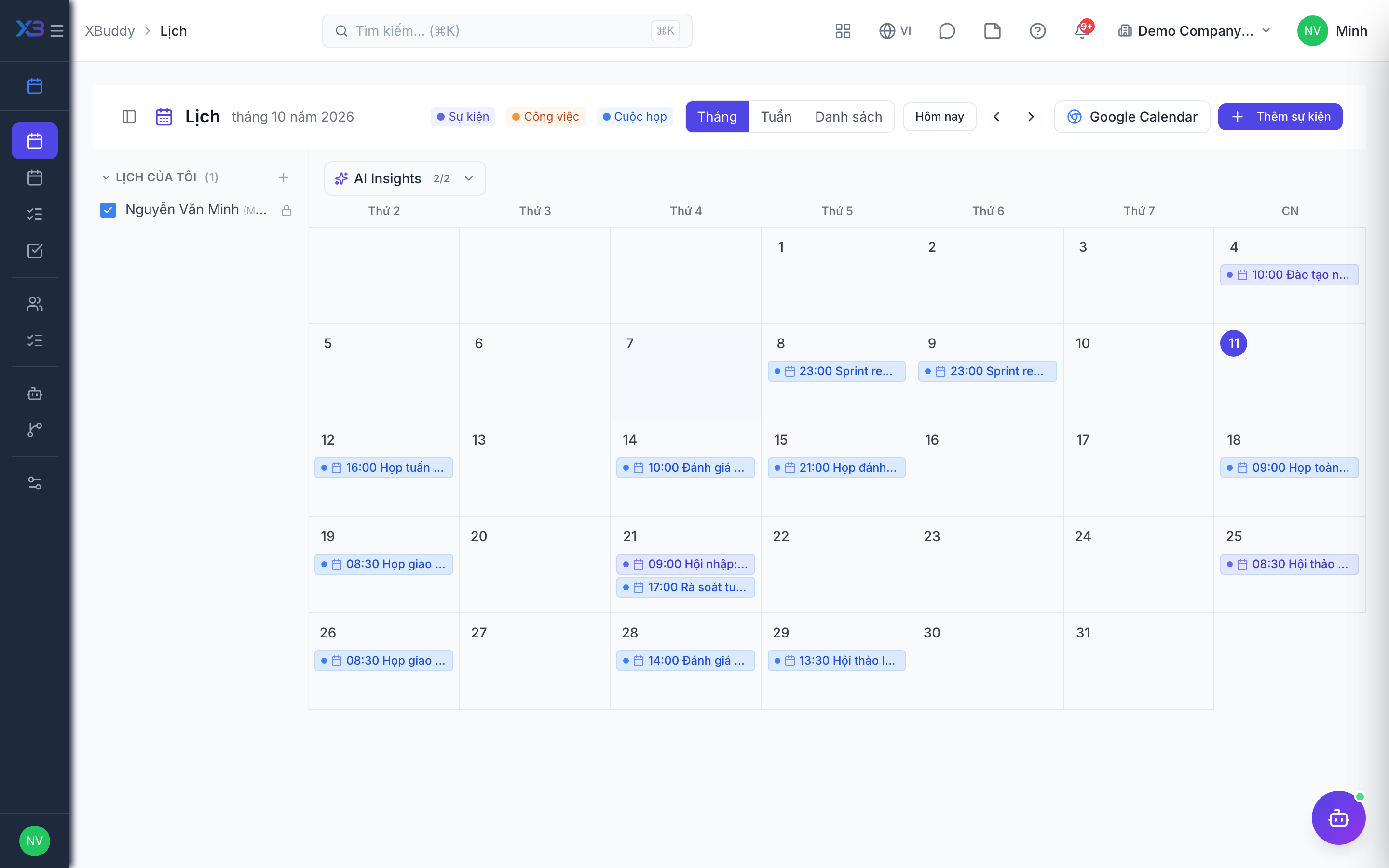
At the top of Calendar (/calendar), switch from Month to Agenda.
Scan upcoming items
Events are listed in time order with their time, title, and attendees, so you can plan your day top to bottom.
Open an item
Click an event to see its details, reply to the invite, or edit it if you are the organizer.
Tips & common mistakes
- If an event you expect is missing, check whether it was cancelled; cancelled events are left out.
- Recurring events appear once per occurrence; see Recurring events for editing.
- Use Month for a monthly overview and Agenda for the next few days.
- Meetings you organize or attend are also listed under
/calendar/meetings.