Asset reports
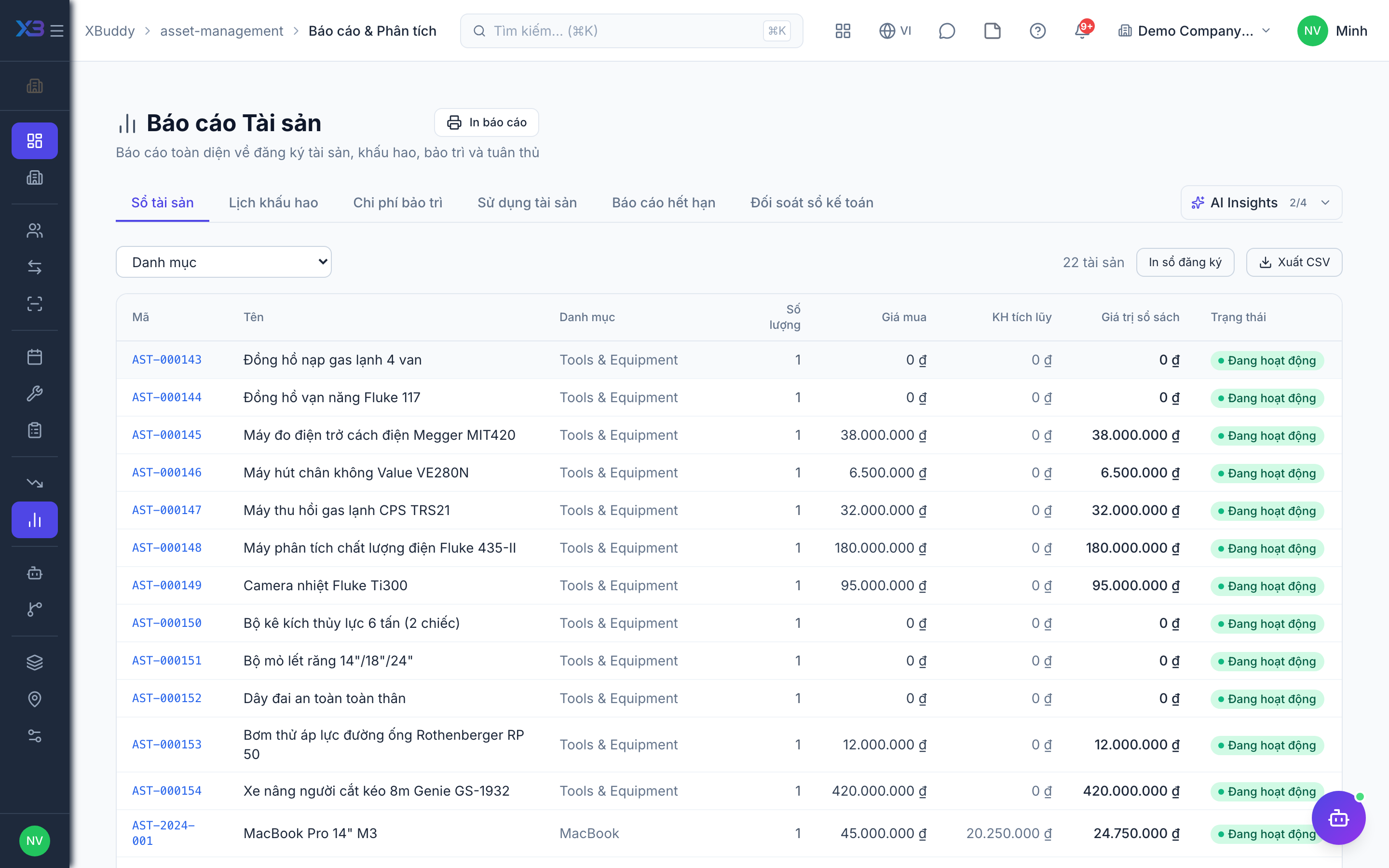
The overview and reports show the register, depreciation and maintenance cost, so managers can see what the assets are worth and what they cost to keep running.
When to use
Use the overview for a quick look at KPIs and the reports at period end or for a review of maintenance spending.
Before you start
- Open
/asset-management(overview) and/asset-management/reports. Permission:assets:readto view; exporting needsassets:report.
Read the overview
Check the KPIs on the overview page.
Choose a report
Open reports and pick the register, depreciation or maintenance cost report, and filter by period or category.
Export
Export the report if you have assets:report.
Tips & common mistakes
- Reports respect your data scope — a colleague with wider scope sees more rows.
- Compare depreciation with Accounting at period end.
- The AI assistant also summarises damage patterns and maintenance cost in Analytics.