Saved reports
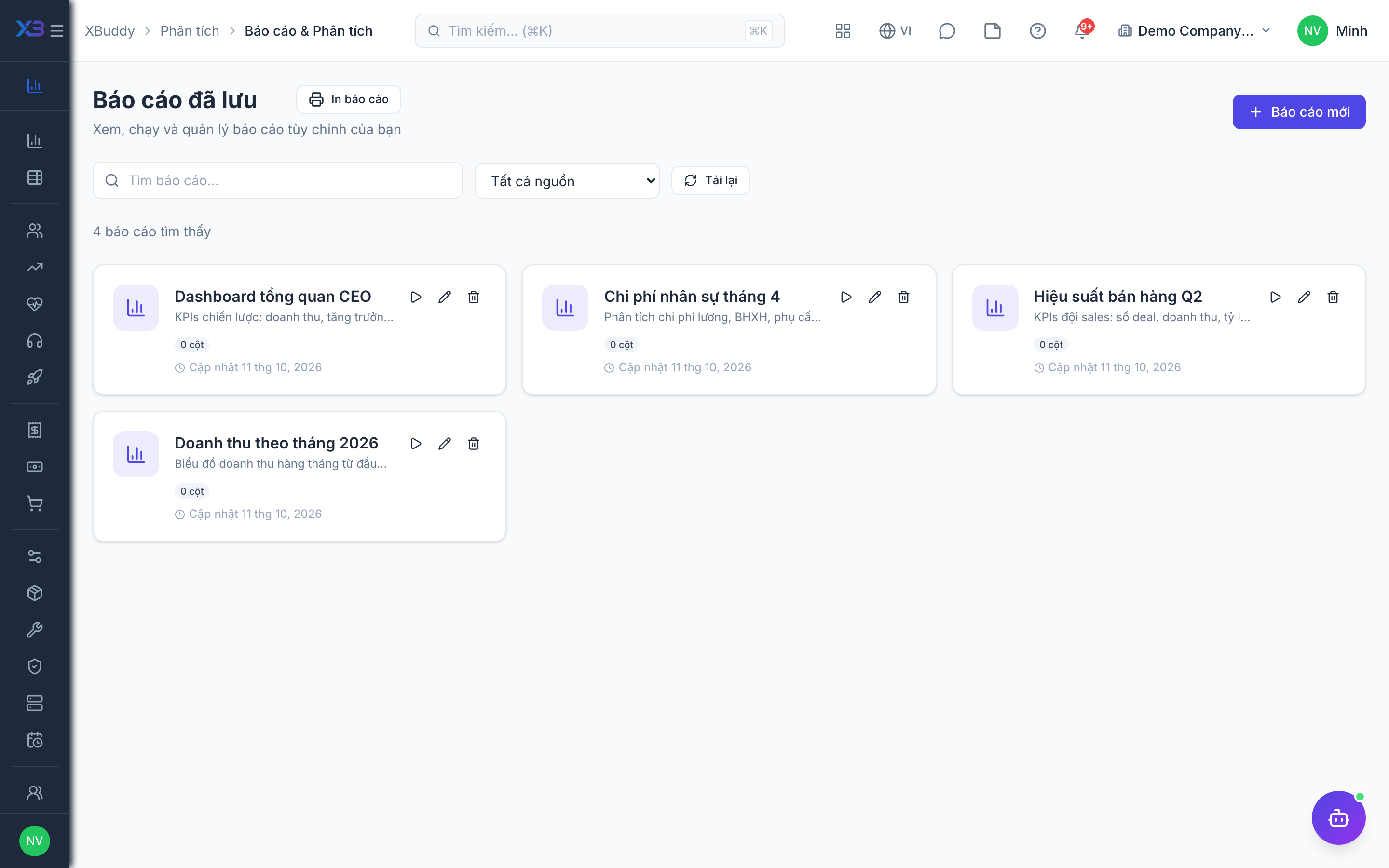
Reopen, rerun, and manage the custom reports you built in the Builder.
When to use
Use the saved reports library when you want to rerun a report you built earlier instead of rebuilding it, or when you want to base a schedule on it.
Before you start
- You need
analytics:readto view saved reports andanalytics:manageto create, edit, or delete them. - Do not confuse this page with
/reports, which is the library of business reports.
Steps
-
Open
/analytics/reports. -
Pick a saved report to reopen it with its saved source, columns, filters, and grouping.
-
Adjust the filters and save your changes, or delete a report you no longer need.
-
To send it regularly, set up a schedule in
/reports/scheduled.
Tips & common mistakes
- Reports run with the viewer’s data scope, so results can differ between people.
- Edit carefully; changes affect anyone who opens the report.
- Delete outdated reports to keep the library useful.