Workflows & examples
When to use
Use these end-to-end examples as templates for the three common jobs: documenting a process, sweeping stale content, and filling gaps.
Before you start
- Authors need
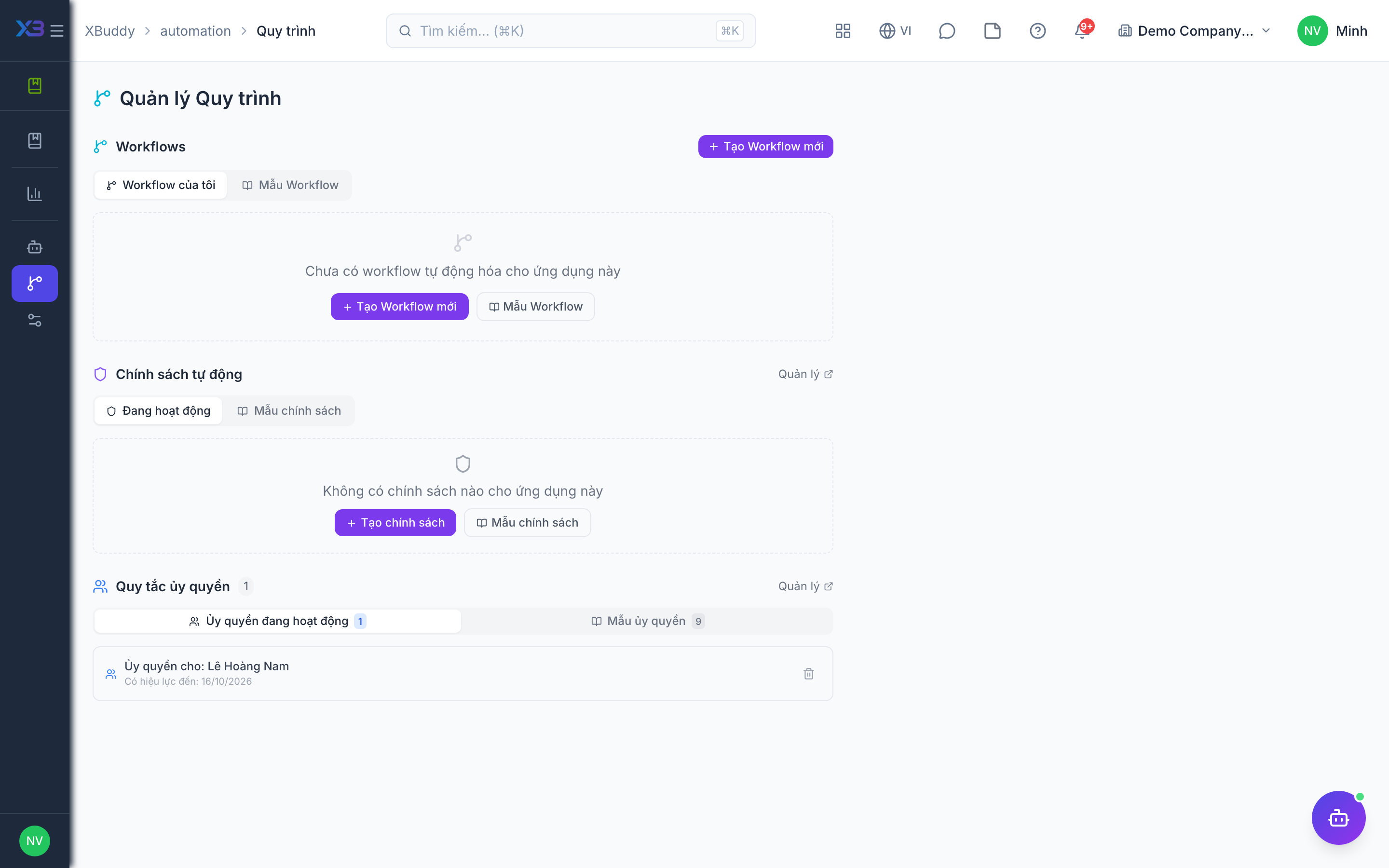
kb:write; readers needkb:read. - Approval workflows for articles and folders are configured at
/knowledge/automation/workflows.
Steps
-
Documenting a new process
- In
/knowledge/kb, create an article under the owning team’s category. - Write the procedure with steps, images and links.
- Send it for review; routing can be configured in
/knowledge/automation/workflows. - Publish, optionally asking readers to acknowledge they have read it.
- In
-
Freshness sweep
- Open
/knowledge/automation/agentsand review stale-content insights. - Reassign each stale page to its owner.
- Owners update and republish.
- Open
-
Filling a knowledge gap
- In
/knowledge/reports, find articles rated poorly or categories with few articles. - Use the Knowledge Curator to propose outlines.
- Draft, review and publish the new articles.
- In
Tips & common mistakes
- Do not skip the category when drafting; it decides browse position and portal visibility.
- Request acknowledgement only for policies that truly require it.
- Run the sweep on a schedule, not only when someone complains.