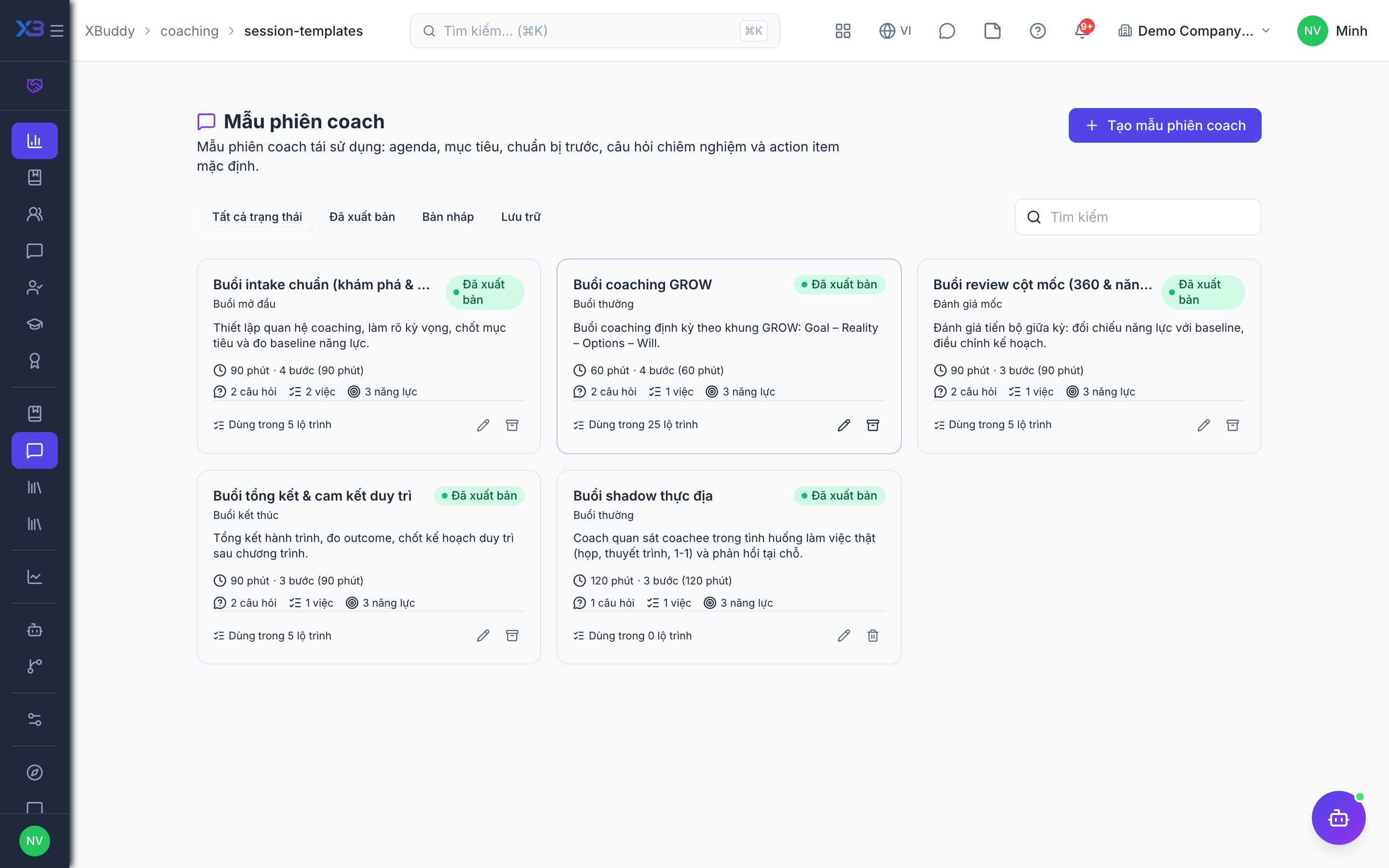
Session templates and resources
The reusable library behind programs: session templates, documents and external programs.
When to use
Use this to build the library once: reusable session agendas, shared documents and external programs, so coaches do not start from a blank page and programs stay consistent.
Before you start
- Permissions:
coaching_programs:managefor session templates;coaching:readfor the Resource Library and Market Coaching;coaching:writeto add market programs. - Toggle
people.coaching_document_attachments(default on) lets you attach documents to an engagement;people.coaching_kb_resources(default off, on for new companies) lets you attach Knowledge Base articles. - Market programs can be imported and exported as CSV.
Create session templates
Go to Coaching → Session Templates (/coaching/session-templates) and define the agenda and default action items.
Fill the resource library
Add documents and curricula under Resource Library (/coaching/resources).
Record market programs
Add recommended outside programs in Market Coaching (/coaching/external-programs).
Library pages
| Page | Route | What it holds |
|---|---|---|
| Session Templates | /coaching/session-templates | Reusable agendas and default action items |
| Resource Library | /coaching/resources | Documents, program links and curricula |
| Market Coaching | /coaching/external-programs | External coaching programs catalog |
Tips & common mistakes
- Put default action items in the session template so every coach assigns the same follow-ups.
- Use Market Coaching to record outside programs you recommend.
- Attach documents to the engagement, not by email, so the coachee finds them in one place.
- Edit templates carefully; running engagements keep their own copy of the plan.