AI Hub & Communications Concierge
The AI Hub is where you run the Communications Concierge assistant and review what it suggests.
When to use
Use it when the Inbox is busy and you need to know which conversations have gone unanswered, how customers are feeling, and whether replies meet your quality bar. It supports your team with suggestions and findings; it does not send messages for staff.
Before you start
communications:writeis needed to open the AI Hub at/communications/automation/agents.ai:useis the permission for the AI features in this app.- The assistant covers three skills: summarising unanswered conversations, tracking customer sentiment, and checking reply quality. It also supports SLA-breach alert reports.
Steps
Open the AI Hub
Go to Communications → AI Hub (/communications/automation/agents).
Run the Concierge
Start the Communications Concierge and choose what to review, such as unanswered conversations.
Review suggestions
Read the findings and suggestions. Decide what to act on; nothing is sent automatically.
Act in the Inbox
Open the flagged threads in the Inbox to reply, assign, or resolve them.
Tips & common mistakes
- Treat sentiment and quality findings as prompts to look, not verdicts about a person.
- Run it at the start of a shift to pick up threads left overnight.
- Pair it with SLA targets so the alert report has something to measure against.
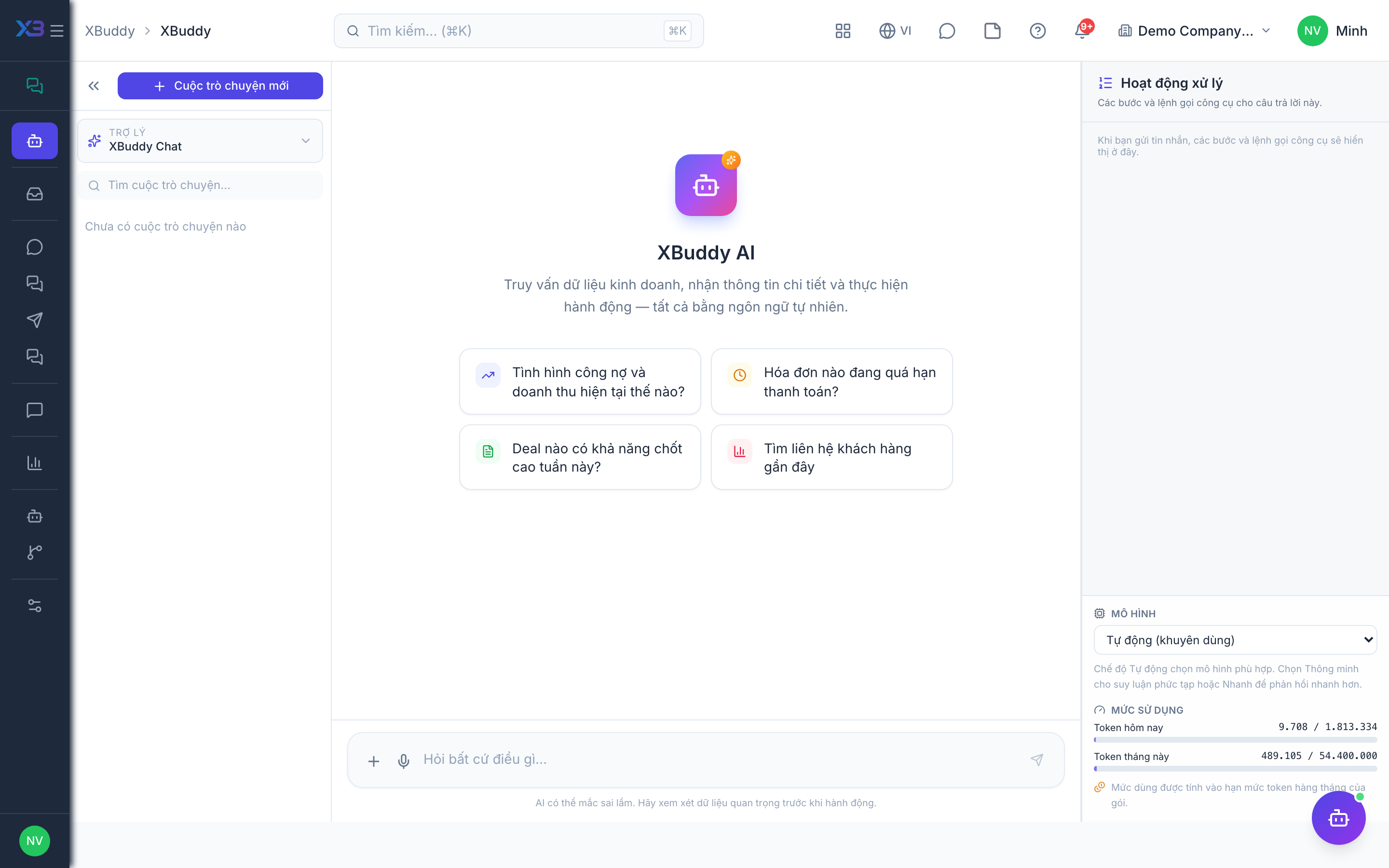
- The general AI chat (XBuddy Chat at
/ai-copilot) is a separate surface from this app’s Inbox and Team Chat.