Importing an article from a document
Turn an existing file into a draft article instead of retyping it.
When to use
Use this when your content already exists as a document in the Documents app and you want it as a help article.
Before you start
- You need access to the document and
kb:writeto create the article. - The import is one way: the document becomes a draft article, and the article links back to its source document.
- The result is always a draft; you review before publishing.
Steps
-
Open /knowledge/kb and choose to import from a document.
-
Select the document in the picker.
-
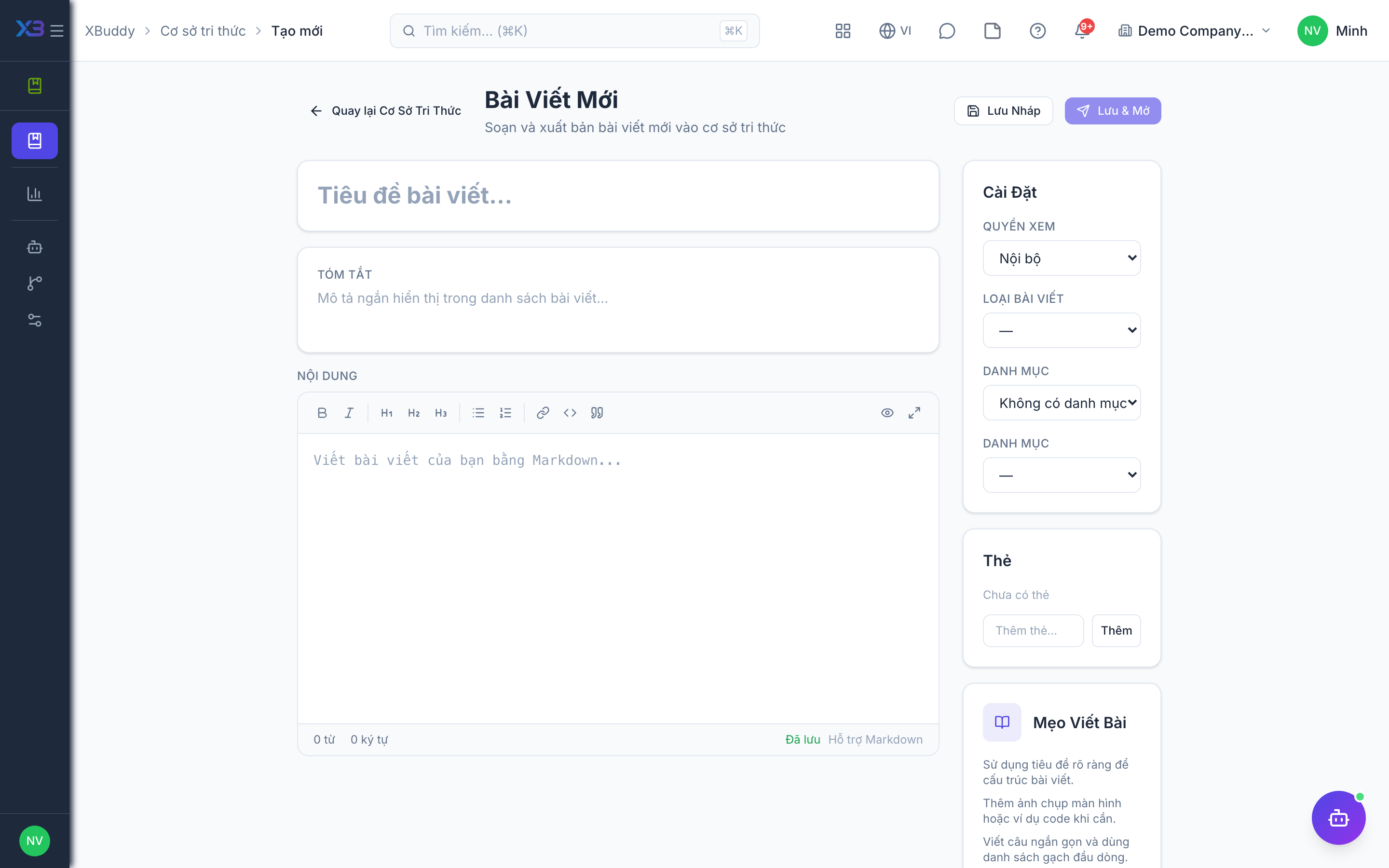
The text is extracted into a new draft article.
-
Open the draft, fix headings and formatting, and choose a category.
-
Publish, or submit for review if required.
Tips & common mistakes
- Check tables and images after import; extraction keeps text but formatting may need cleanup.
- Changing the article later does not change the original document.
- Set the category before publishing so the article is findable.
- Import avoids retyping, but still rewrite jargon for customers.