Renewals
Value leaks when renewals lapse. Contract Management surfaces them ahead of time.
When to use
Use it each week or month to see what is expiring, and when you are ready to renew a standalone contract.
Before you start
- The toggle
legal.expiry_reminder_enabled(off by default) turns on the daily expiry notifications to legal. Status changes to expiring soon and expired run regardless.
Steps
See what’s coming due
The Overview and the Expiry timeline report (/contracts/reports/expiry) show contracts approaching their end date. A daily job marks contracts as expiring soon (30 days out) and expired.
Get reminded
With reminders enabled, legal is notified before key dates. The Contract Lifecycle assistant also monitors expiry and nudges owners.
Renew
On a standalone contract, choose Renew. This creates a new draft contract linked to the old one, which then goes through review and signature as usual.
Tips & common mistakes
- No reminders arriving? Check that
legal.expiry_reminder_enabledis on. - The renewal is a new draft; remember to review and sign it.
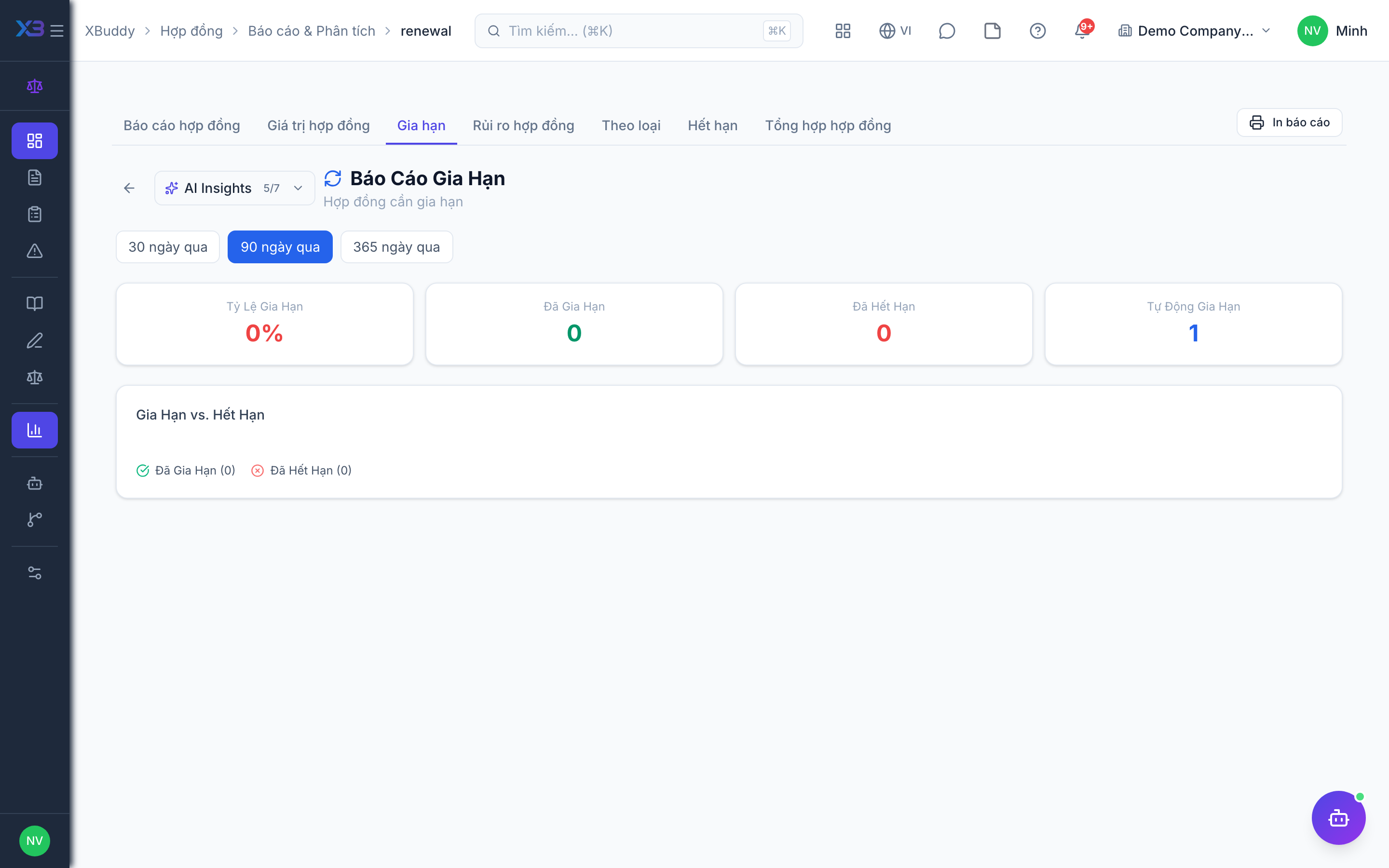
- Track the renewal rate in
/contracts/reports/renewal.