Reports and settings
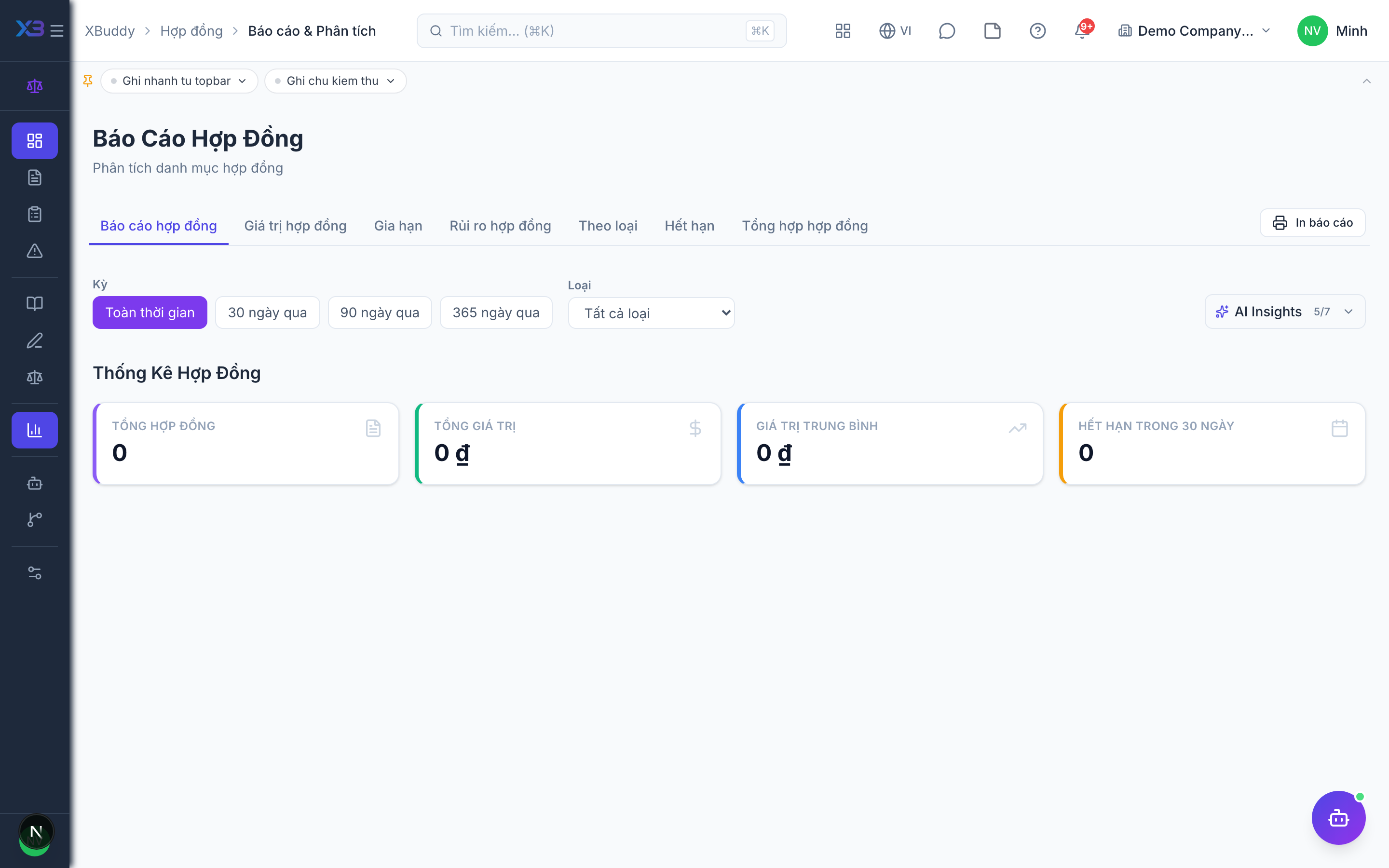
Reports show the state of the whole portfolio; settings control contract types and numbering.
When to use
Use reports for management reviews and renewal planning, and settings when you set up the app or add a new kind of contract.
Before you start
contract_management:viewfor reports; settings needcontract_management:manageorcontract_management:admin, andsettings:readto open the Settings area.- Editing contract types and numbering needs write rights.
Steps
Open reports
Go to Contract Management → Reports (/contracts/reports) and pick a report: summary, by type, value, expiry, renewal rate, or open risks.
Drill down
Click a status or type to see the contracts behind a figure.
Configure types and numbering
In Settings (/contracts/settings), manage contract types (/contracts/settings/contract-types) and the numbering scheme (/contracts/settings/numbering).
Tips & common mistakes
- Deleted contract types can be restored.
- The AI Hub (
/contracts/automation/agents) and Workflows (/contracts/automation/workflows) need the manage permission. - You can export the register from All Contracts.