QR labels & scanning
Every asset can carry a QR or barcode label. Scanning it opens the asset in seconds, for check-out, audit or repair.
When to use
Use labels when assets are handed out, counted or repaired in the field.
Before you start
- Permission:
assets:readto view/asset-management/assets. Scanning a link-style QR opens the asset only within your data scope; outside it you see “not found”.
Print the label
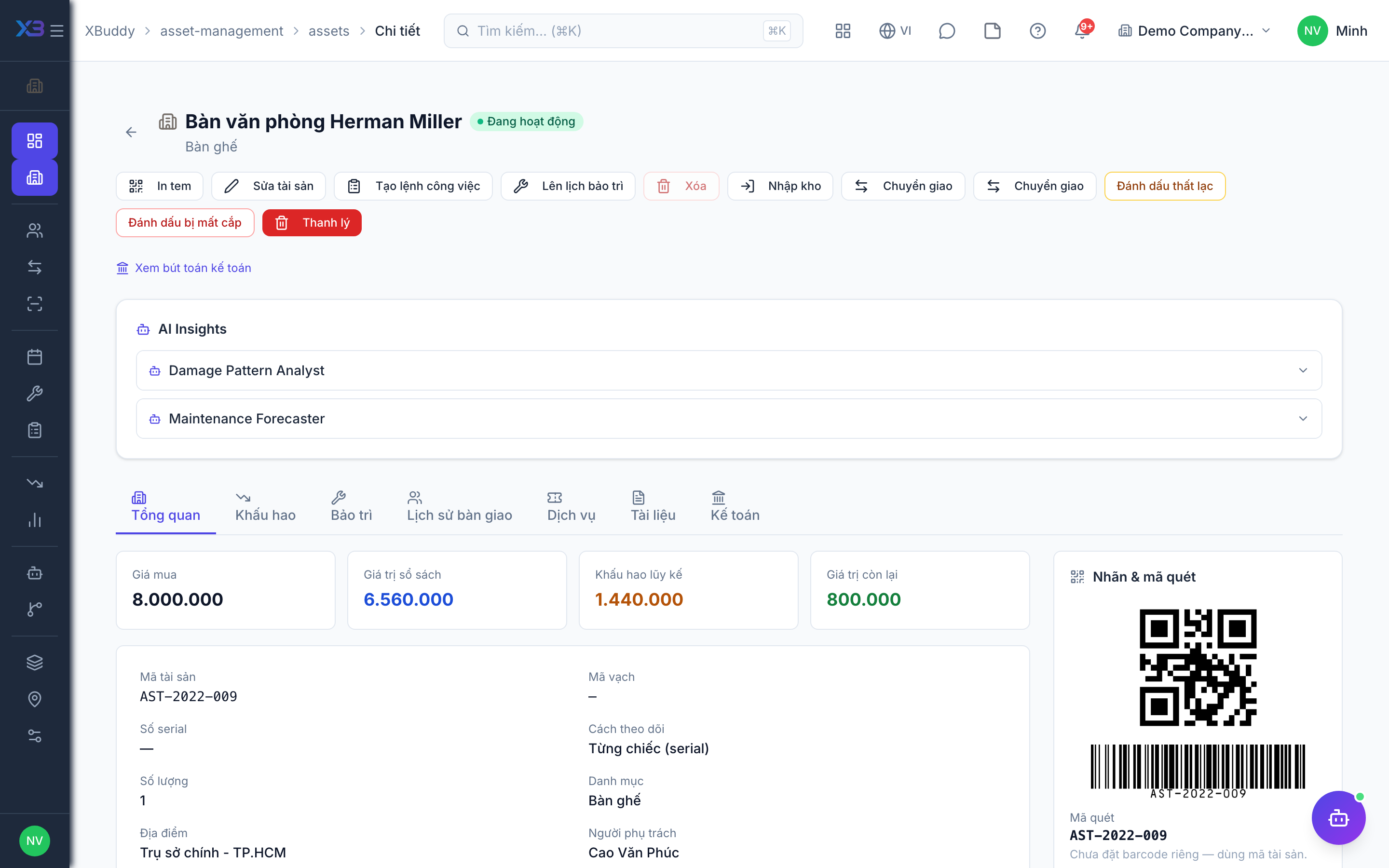
Open the asset and print its label. The code is the barcode or asset code.
Stick and scan
Attach the label. Scan it with a phone or scanner: the link goes through the code lookup and opens the asset.
Use it in an audit
In a physical audit session, scan labels to count assets quickly.
Tips & common mistakes
- Print labels after the asset has its final code.
- “Not found” after a scan usually means the asset is outside your data scope, not that it is missing.
- Re-print a damaged label from the asset page — the code stays the same.