Technicians and teams
Technicians and teams carry the skills and availability that drive assignment.
When to use
Keep technicians and teams current so the schedule can offer the right people for each job.
Before you start
- Permissions:
field_service:readto view/field-service/techniciansand/field-service/teams; administrators maintain skills and zones in Settings (field_service:admin). - Toggles:
service.team_management(default off, on for new companies) shows Teams;service.team_assignmentandservice.team_data_scope(same defaults) let jobs be assigned to teams and let team members see team jobs.
Manage technicians
Go to Field Service → Technicians (/field-service/technicians) to maintain skills, certifications, and working hours.
Build teams
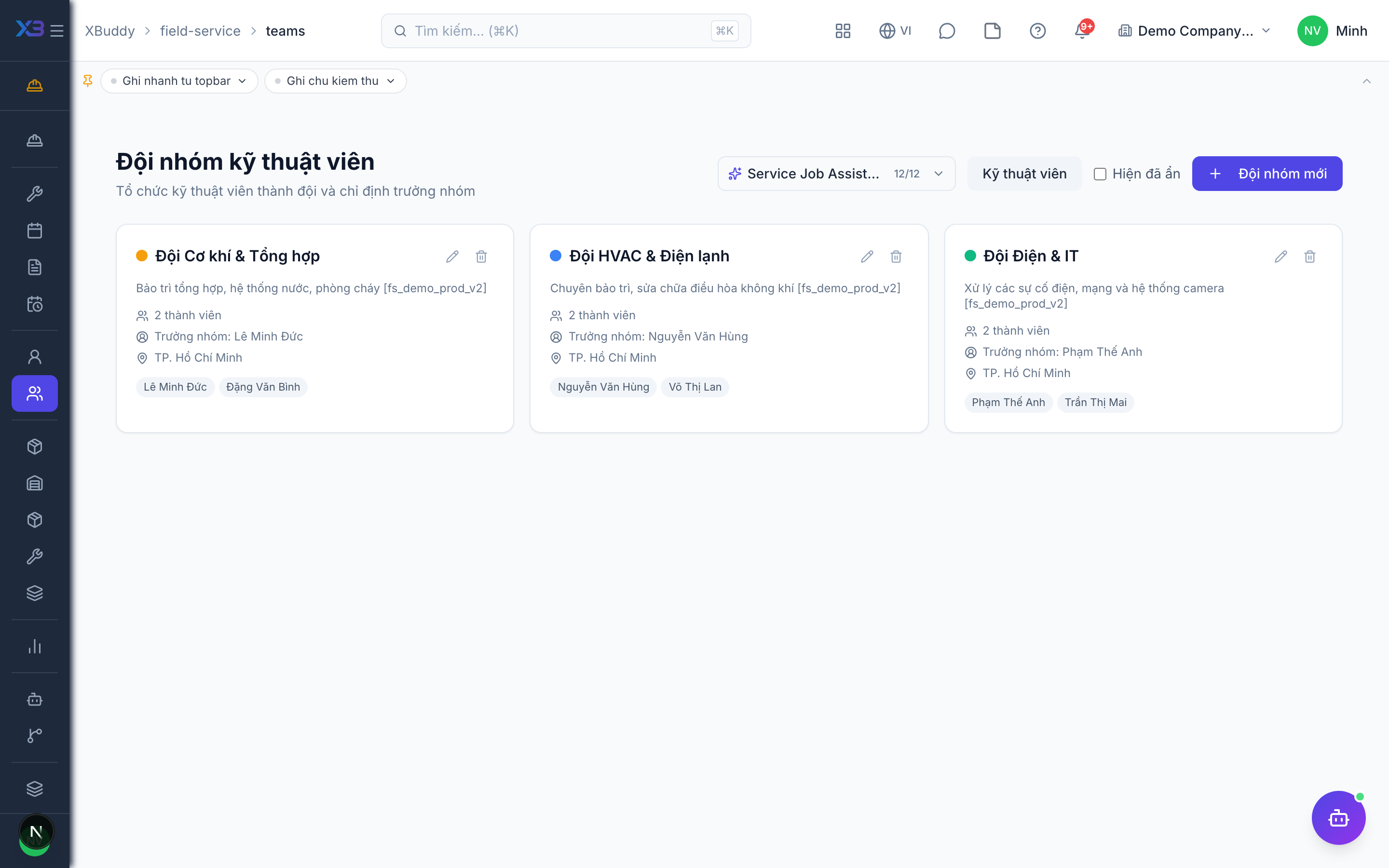
Open Field Service → Teams (/field-service/teams) to group technicians for jobs that need more than one person.
Assign by fit
When scheduling, the board surfaces technicians whose skills and availability match the job.
Maintain skills and zones
Skills and service zones are lists in Settings; add them there so they can be chosen on technicians and jobs.
Set scope for team members
With team data scope on, a technician sees jobs assigned to them and to their team.
Tips & common mistakes
- If a technician cannot see a job, check assignment first, then team membership and the data-scope setting.
- Keep working hours accurate: availability for the schedule comes from shifts, personal hours and HR leave.
- Add a skill before assigning jobs that need it.
- Teams are not required — leave the toggle off for small crews.