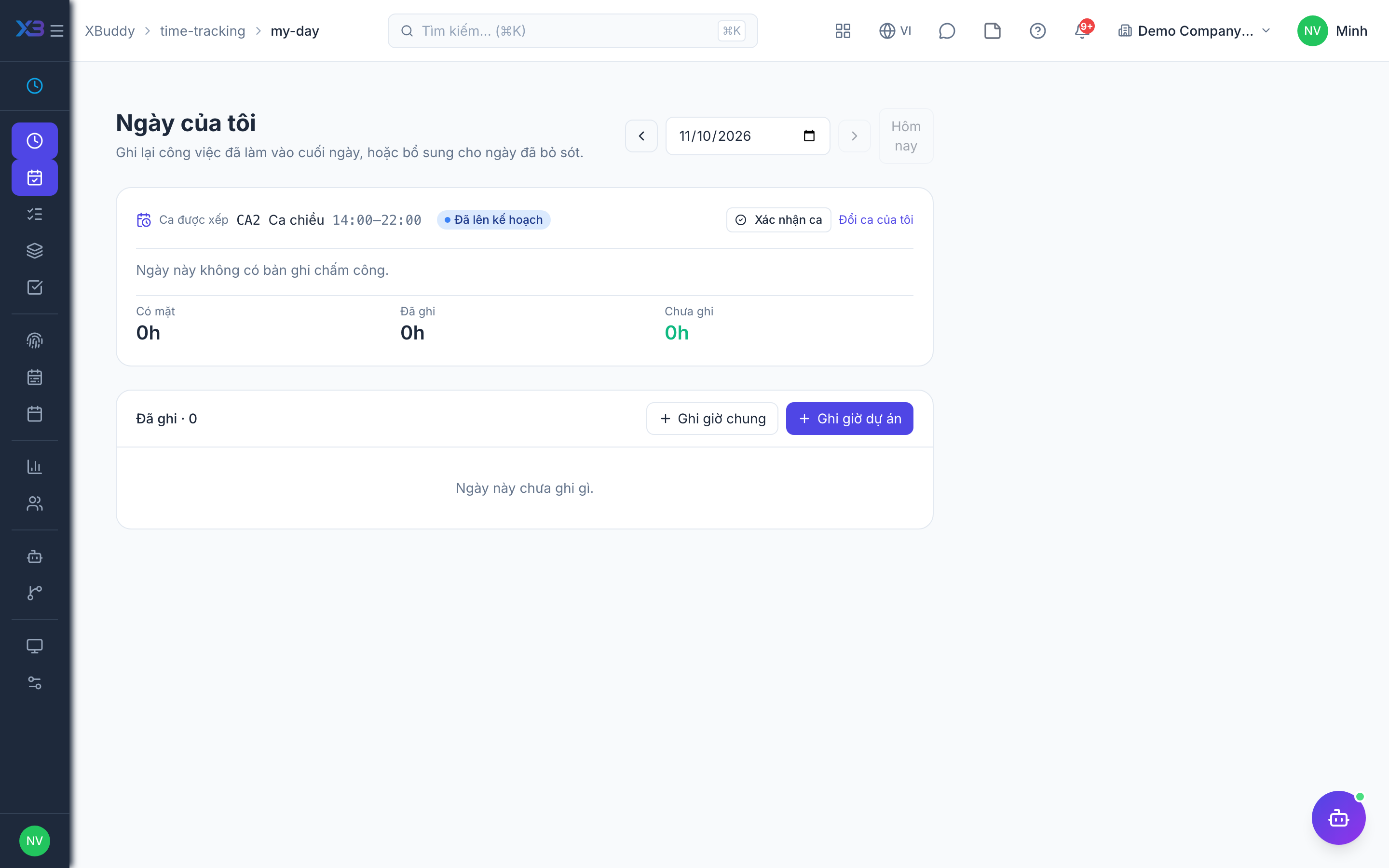
My day
My day is a personal daily view that compares the time you were present with the time you have accounted for.
When to use
Use this at the end of each day, or whenever you wonder what is missing from your timesheet. It puts your clock-in and clock-out next to everything you have logged and shows the gap, so you can fill it in before the week is submitted.
Before you start
- Permission:
timesheets:read. To log hours you also needtimesheets:write(project) ortime_entries:write_general(general). - Toggle
people.time_entry_backdate_days(default no limit) limits how far back the date picker goes;people.block_future_dated_time_entries(default off) blocks future dates. - This page only ever shows your own day.
Open My day
Go to Time Tracking → My day (/time-tracking/my-day) and pick the date.
Compare presence and logged hours
Look at your clock-in and clock-out, the hours already logged and the gap between them.
Fill the gap
Add the missing project or general entries for that day, and confirm or swap your rostered shift if you have one.
What you see
| Area | Content |
|---|---|
| Presence | Clock-in and clock-out from attendance, read only |
| Logged hours | Every project and general entry for the day |
| Gap | The difference between presence and logged hours |
| Rostered shift | If you have an assigned shift, a card to confirm it or request a swap |
Tips & common mistakes
- Presence and logged hours are shown side by side and never summed.
- Log project or general time directly from this page for the day you are viewing.
- Confirm your rostered shift here instead of waiting for the manager to chase you.
- If the gap is large, check whether you forgot a general entry such as a meeting.