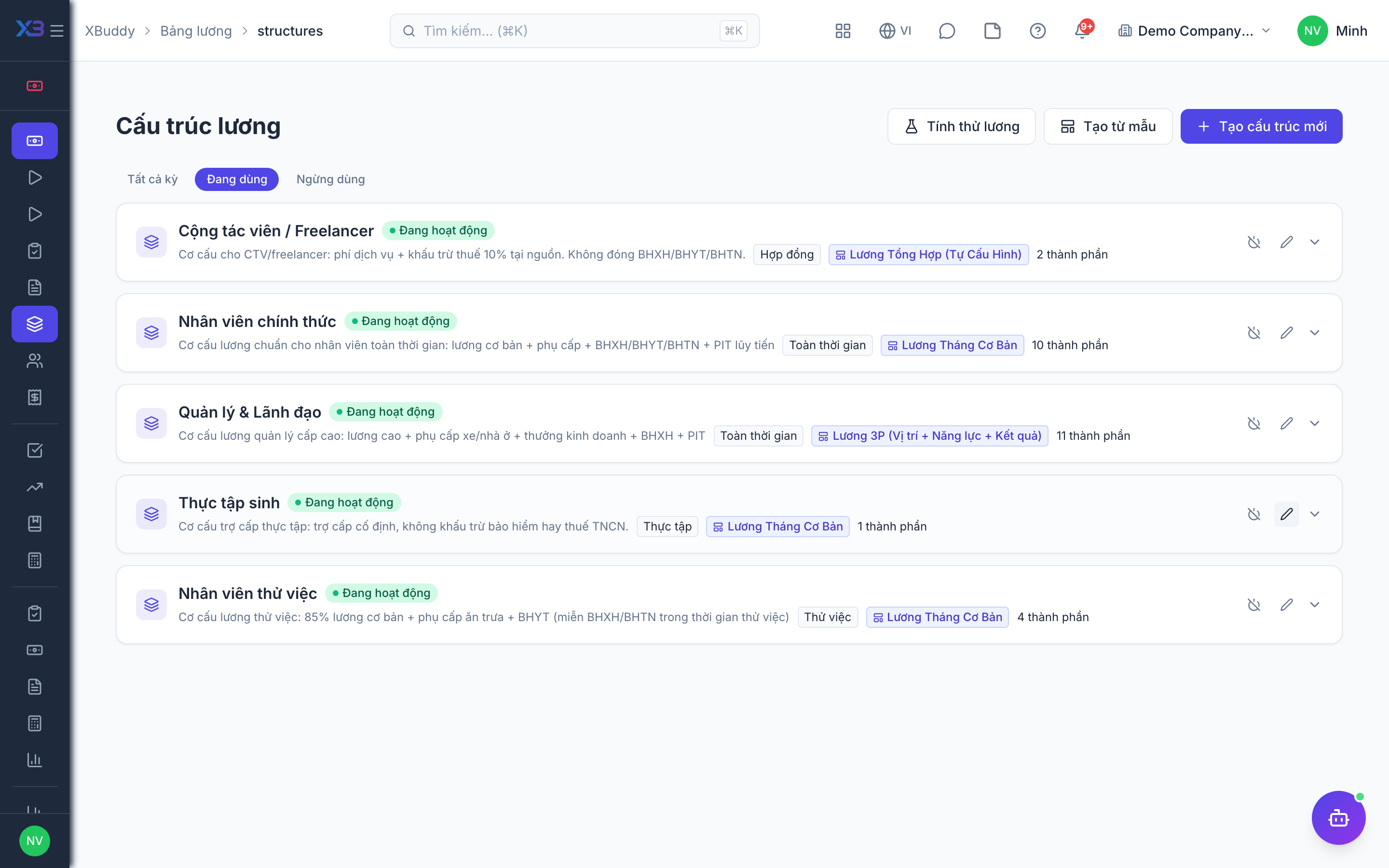
Salary structures, models, and variable pay
When to use
Use this before your first run and whenever pay policy changes: to define what an employee is paid, package it into reusable models, and add bonuses or commissions that vary by period. Good structures mean every run calculates consistently without manual fixes.
Before you start
- Permissions:
payroll:readto view structures;payroll:writefor Salary Models and Variable Pay Rules;payroll:adminfor settings and salary grades. - Toggle
people.salary_grades_enabled(default off, on for new companies) if you want salary grades and steps; salary grades are managed through the API, not a menu item. - Toggle
people.payroll_custom_deduction_components(default off) if you need custom deduction components.
Define salary structures
Go to Payroll → Salary Structures to build the components of pay — base, allowances, and their tax treatment.
Create reusable salary models
Go to Payroll → Salary Models to package structures into models you can assign to roles or grades, keeping pay consistent.
Add variable pay rules
Go to Payroll → Variable Pay Rules to define bonuses, commissions, and one-off allowances or deductions that apply per run or per employee.
Where each piece lives
| Page | Route | What you manage |
|---|---|---|
| Salary Structures | /payroll/structures | Pay components and their tax treatment |
| Employees | /payroll/employees | Pay data per person |
| Salary Models | /payroll/salary-models | Reusable formula templates |
| Variable Pay Rules | /payroll/variable-pay | Bonuses, commissions, allowances, deductions |
| Payroll inputs | /payroll/inputs | The matrix of inputs a period will use |
Bulk-loading pay data
Salary, bank accounts and dependents can be imported with a preview-then-commit flow. At the time of writing this is available through the API only; there is no menu item for it.
Tips & common mistakes
- Check the tax treatment on every component; a taxable allowance entered as non-taxable changes PIT for everyone it applies to.
- Prefer a salary model over per-person formulas so one change reaches everyone on that model.
- Run a simulation after changing a structure or rule to see the effect before the live run.