Production schedule
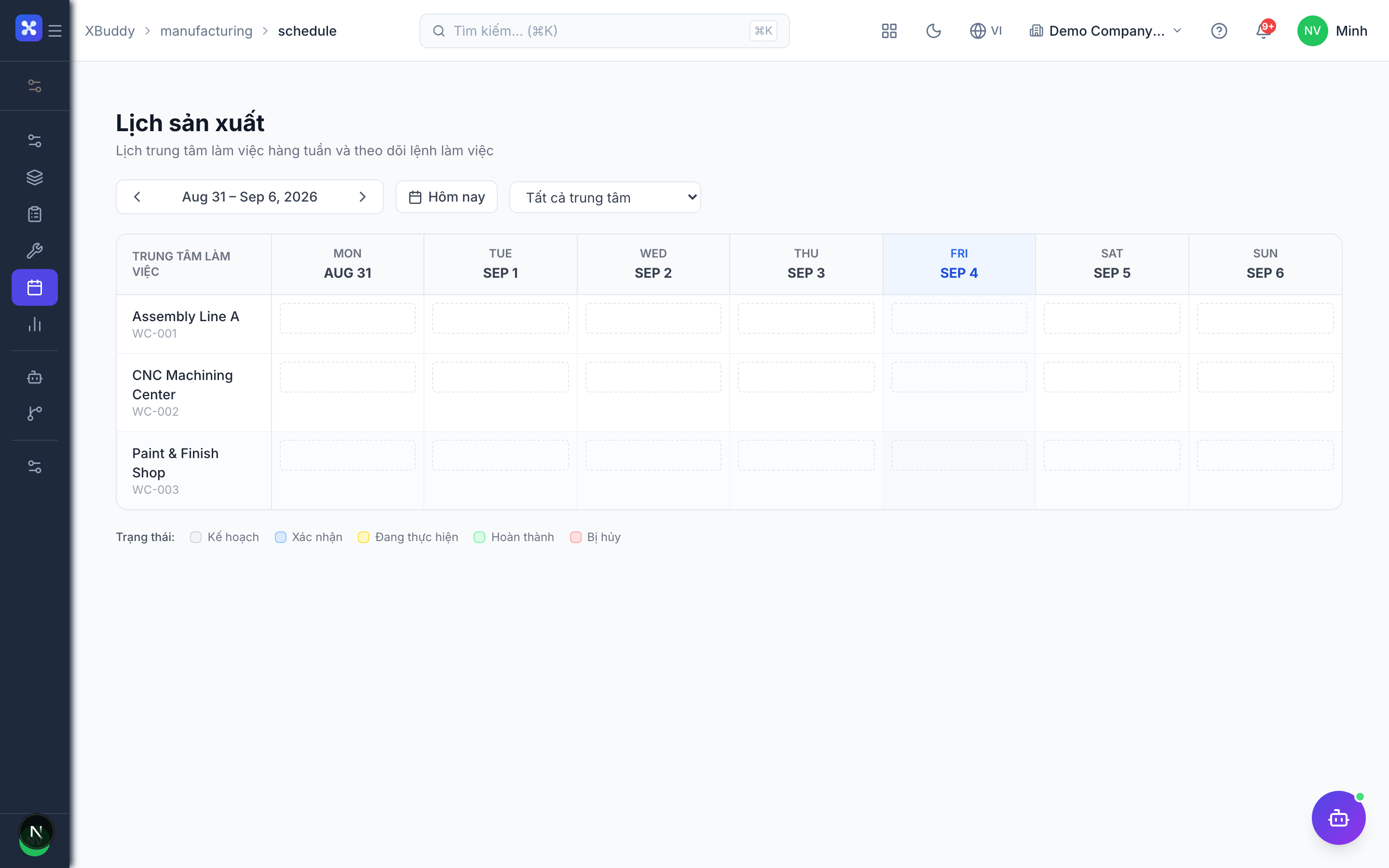
The schedule shows work orders by week and by work center. It does not check capacity or stock — sequencing is up to the planner.
When to use
Use it to lay out the week across work centers and to hand a clear plan to the shop floor.
Before you start
- Permissions:
manufacturing:readto view,manufacturing:writeto add or move entries,manufacturing:deleteto remove them. - Toggles: none.
- Page:
/manufacturing/schedule.
Steps
View the schedule
Go to Manufacturing → Schedule to see planned work orders across work centers over the week.
Add or adjust entries
Add a schedule entry for an order on a work center, or move and edit it as plans change.
Release to the floor
Release the scheduled work orders so the shop floor can begin production.
Tips & common mistakes
- Check materials yourself before scheduling; the schedule will not block an order with missing stock.
- Avoid stacking orders on one work center; there is no overload warning.
- Scheduling an order does not release it — release is a separate status change.