Sales Teams, Reps & Commissions
Sales teams let a manager organize reps into groups for reporting and — when enabled — for data-scoped visibility (a rep only sees their own deals; a manager sees their team’s). Commission rules reward reps on the sales they close.
Sales Teams is an advanced, opt-in feature (off by default for new tenants). A Settings admin turns it on under Sales → Settings; until then, every rep with sales permissions sees the full pipeline.
Set up teams and reps
Go to Sales → Sales Teams to create teams and assign reps to them, and Sales → Sales Reps for the roster of individual reps and their targets.
Define commission rules
Go to Sales → Commissions and set commission rate rules — flat percentage, tiered by revenue band, or per-product-category — plus the qualifying event: commission accrues either when the order is confirmed or when the invoice is paid, depending on how conservative you want the payout timing to be.
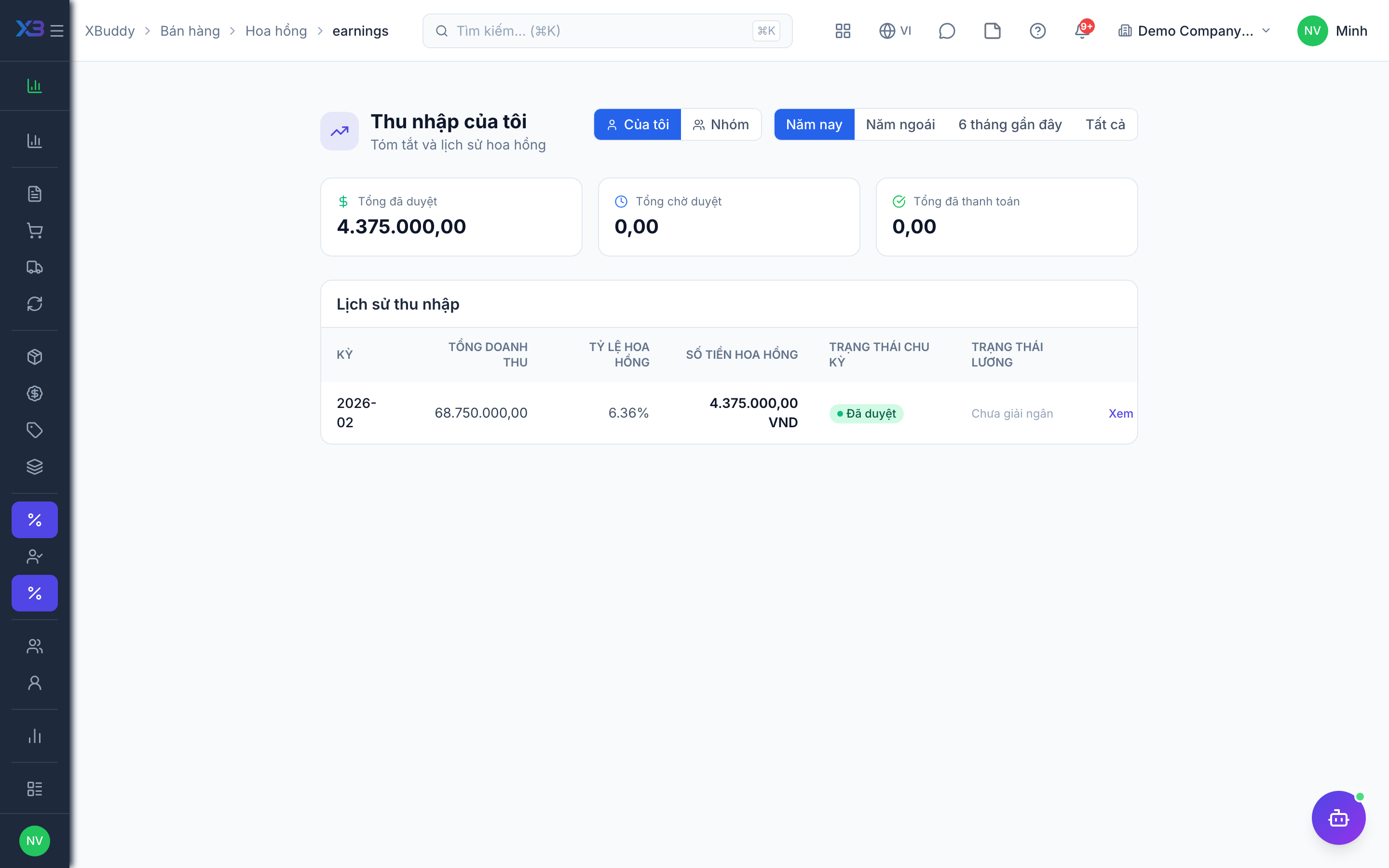
Reps track earnings themselves
A rep opens Sales → My Earnings to see accrued commission per deal, and Sales → My Performance for quota attainment and trend — both views are scoped to that rep’s own records only, even if the rep has broader read access elsewhere.
Run and approve a payout period
A manager runs a commission period from Sales → Commissions; the system calculates accrued amounts for every qualifying order or paid invoice in the period. Once approved, the amounts can feed Payroll or a standalone expense payout.