Attendance, documents, and profile
When to use
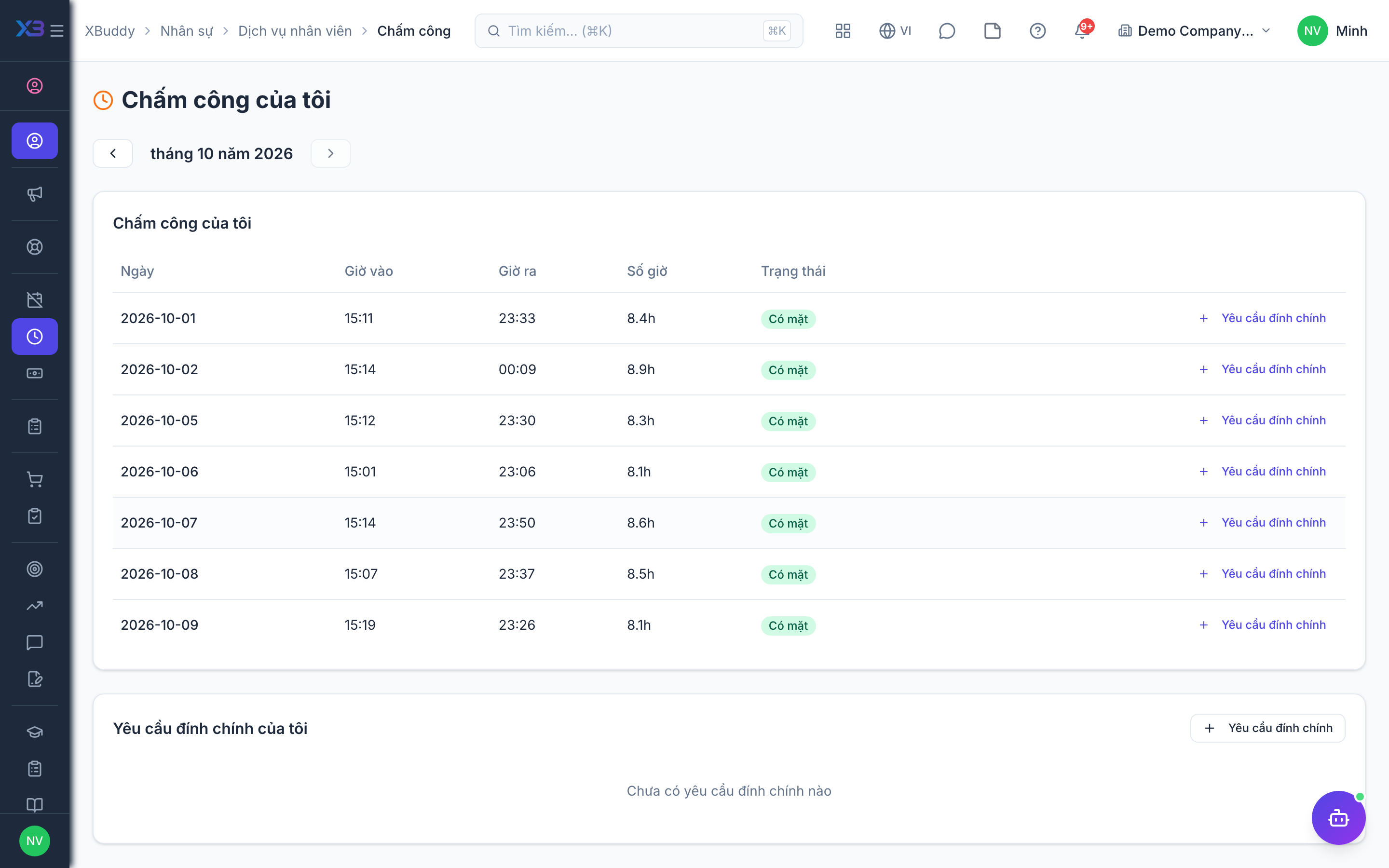
Use this to check your attendance for a month, correct a missing or wrong punch, find your HR documents and keep your personal details up to date.
Before you start
- Permission:
hr:own;attendance:disputeto submit an attendance correction. - This page shows history only. Clocking in and out happens in Time Tracking (web clock needs
people.web_attendance_clock, default off). - Documents shown are the ones that belong to you.
Check your attendance
Go to Self-Service → Attendance to review your check-in/check-out history and flag any missing punches.
Access documents and certificates
Go to Self-Service → Documents for shared policies and handbooks, and Self-Service → Certificate for your personal certificates.
Keep your profile current
Go to Self-Service → Profile to update contact details, emergency contacts, and bank information used by Payroll.
Pages
| Page | Route |
|---|---|
| My Attendance | /hr/self-service/attendance |
| My Documents | /hr/self-service/documents |
| My Profile | /hr/self-service/profile |
Attendance disputes
A dispute starts as pending and is reviewed by HR in the attendance administration. Once approved, the correction writes the punches.
Tips & common mistakes
- Raise a dispute as soon as you see a wrong day; evidence is fresh.
- Choose the month with the month filter before looking for a missing day.
- Keep your bank details in the profile current; Payroll uses them.
- Documents you download come from a secure link tied to you.