Building the menu and recipes
Menu items carry the selling price; recipes list the ingredients and quantities behind each dish.
When to use
- You are opening an outlet or adding a new dish.
- You want a fixed portioning card for the kitchen.
- You want an estimated food cost per dish (see Recipe costing).
Before you start
- Permission:
pos:useto view the menu and recipes;pos:manageto create, edit or delete categories, items and recipes. - Toggles: none; F&B has no feature toggles in the catalog.
- Ingredient items come from your inventory catalog.
Build a dish
Create a category
Go to F&B → Menu (/fnb/menu) and add a category such as Coffee or Main dishes.
Add menu items
Add each dish with its name and base price, and keep it marked available when it can be ordered.
Open Recipes
Go to F&B → Recipes (/fnb/recipes).
Attach a recipe
Pick the dish, then list each ingredient with its quantity. Mark the ingredients that are required.
Review the estimate
The recipe list and detail show an estimated cost based on the lines you entered.
Recipes do not deduct ingredient stock. They are portioning cards with an estimated cost; stock deduction is a separate project.
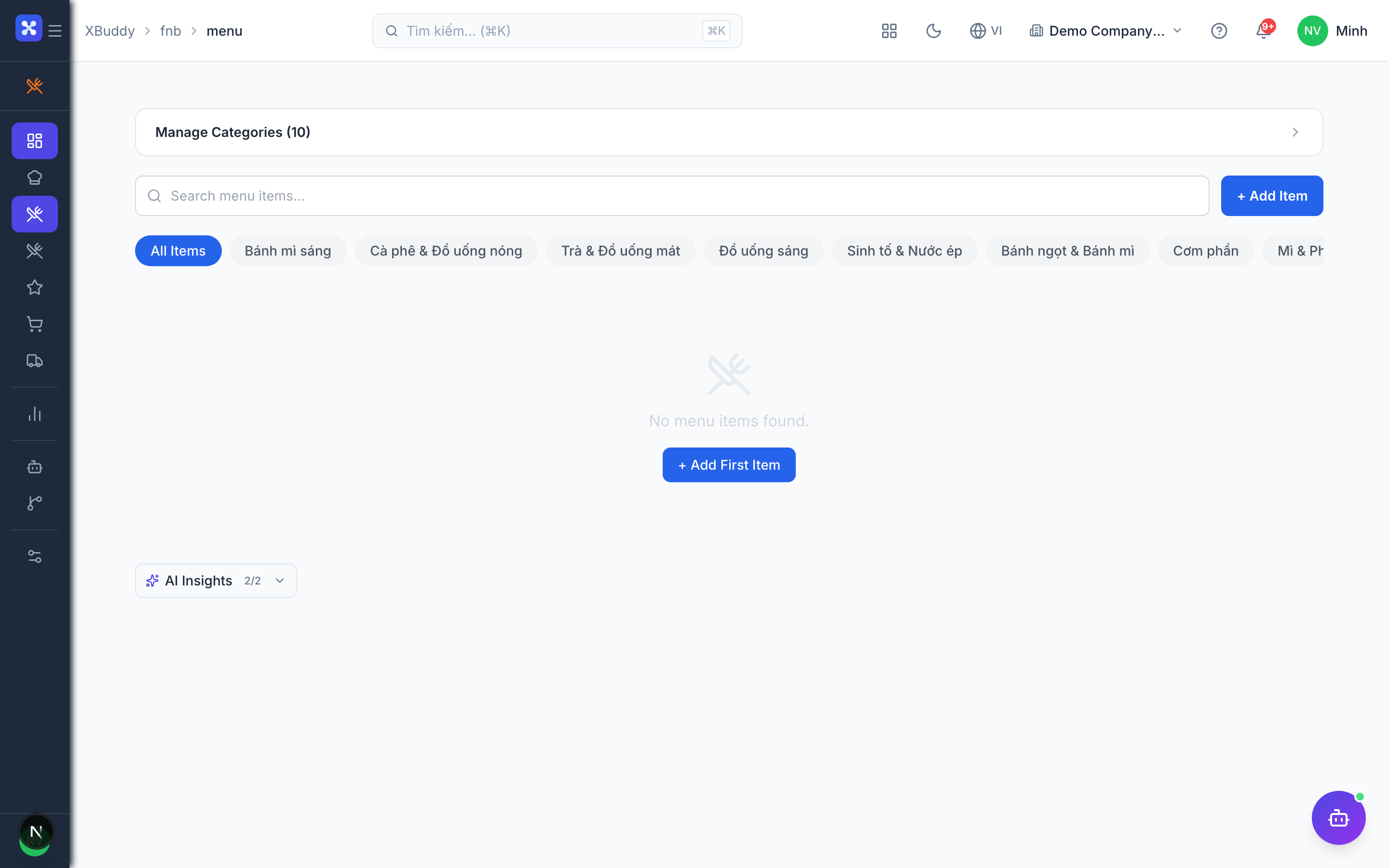
Item availability
| State | Effect |
|---|---|
| Available | The item can be added to online or phone orders. |
| Not available | The item stays on the menu but cannot be ordered. |
Tips & common mistakes
- Price on the menu item, not in the recipe; orders are priced from the menu base price.
- Turn an item off instead of deleting it when it is only out for the day.
- Fill every required ingredient so the estimated cost is complete.
- Staff with only
pos:usecan read recipes but cannot change them.