Legal review
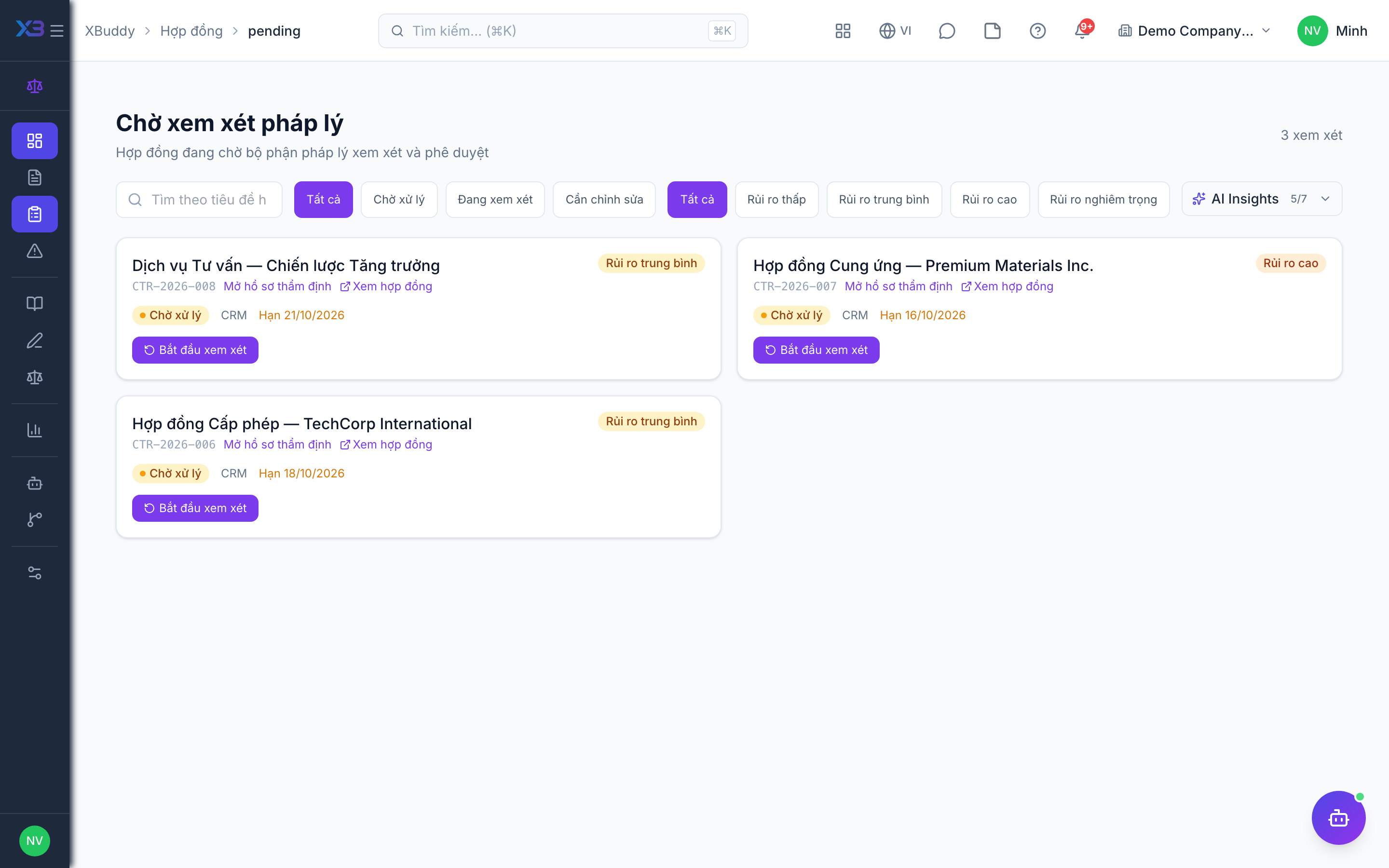
The Pending Review queue is where legal reads, comments on, and decides about contracts before they are signed.
When to use
Use it when you are the reviewer or approver of a contract, or when you submitted one and want to know where it stands. Each review has comments, a checklist, and an assignee, so the decision leaves a trail.
Before you start
contract_management:viewlets you see the queue; writing comments and checklist items needs review rights, and the final decision needs approval rights.- The toggle
legal.review_checklist_required(off by default) stops a review from being approved until its checklist is complete. - The person who created the review request cannot approve it.
Steps
Open the queue
Go to Contract Management → Pending Review (/contracts/pending) and open a review.
Assign and comment
Assign the review to a person and leave comments on the terms.
Work the checklist
Apply a review checklist template and tick off items as you verify them.
Decide
Approve or reject. Where the review runs through a Workflow, the workflow outcome writes back to the review.
Tips & common mistakes
- Cannot approve? Either you lack approval rights or you are the person who requested the review.
- Approval blocked by the checklist means
legal.review_checklist_requiredis on; finish the open items. - Company policies and the clause playbook (
/contracts/policies) give reviewers a reference for what is acceptable. - Send a contract to review from the source app so the review is tied to the right contract.