Stocktaking
Stocktaking counts physical stock against the system and posts the differences. It can be a full count or a rotating cycle count.
When to use
Use it for periodic counts, year-end counts or cycle counts of fast-moving items.
Before you start
- Open
/inventory/stocktaking. Permissions:inventory:stocktaketo count and scan,inventory:approveto post variances. - Toggle:
inventory.stocktaking_cycle_count(default off, on for new companies) enables rotating counts.
Open the stocktake
Create a stocktake for a warehouse. The system quantity is a snapshot of on-hand at that moment (in base unit).
Count
Enter or scan counted quantities. You may count in a different unit; differences are converted back to the base unit.
Finalize
Close counting to calculate differences between system and counted quantities.
Review and post
An approver reviews the variances and posts them. On-hand is corrected and the variance entry goes to Accounting.
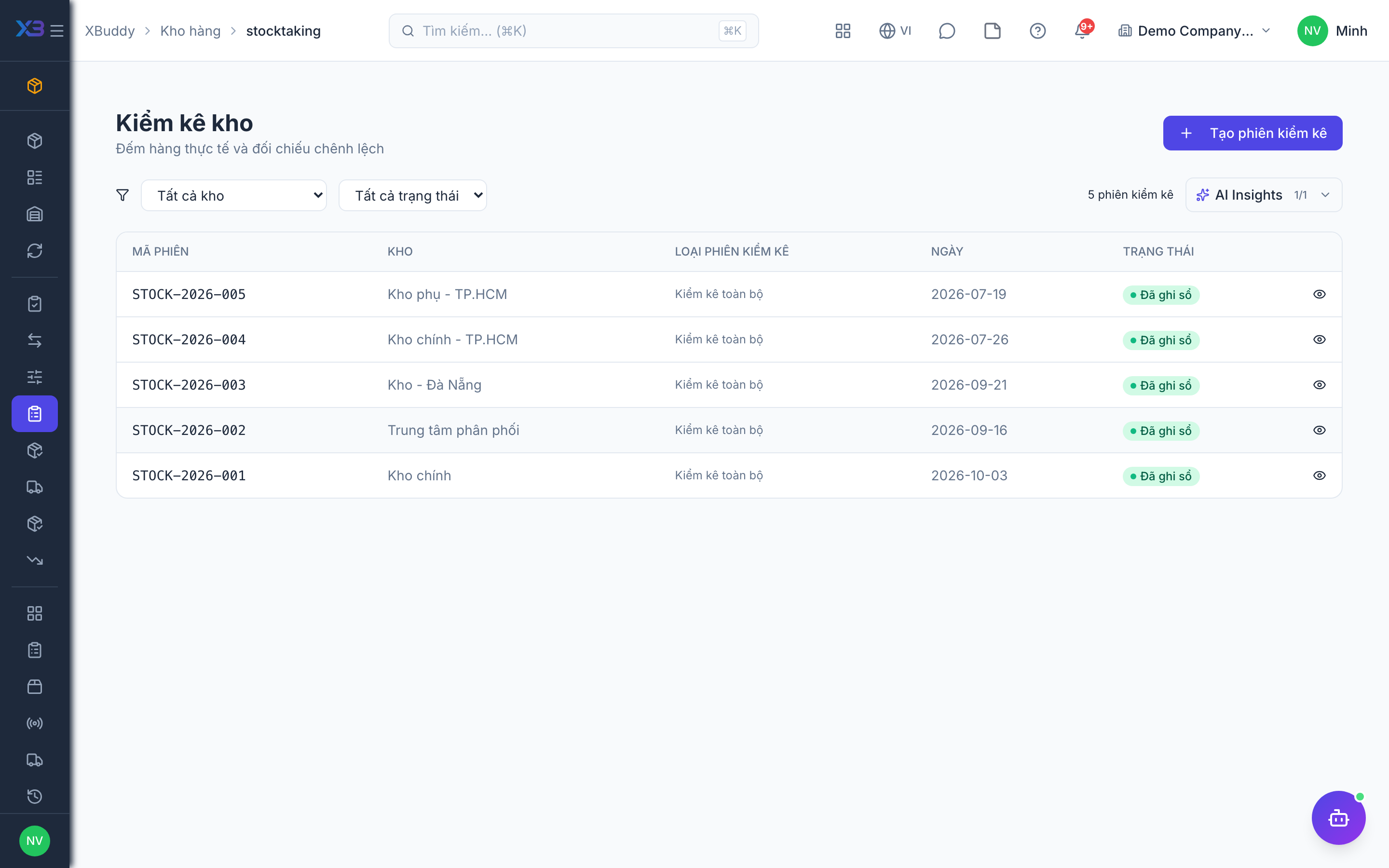
Statuses
| Status | Meaning | Who moves it |
|---|---|---|
| Open | Created; snapshot taken. | Warehouse. |
| Counting | Counts being entered. | Counters (inventory:stocktake). |
| Finalized | Counting closed; variances calculated. | Counter lead. |
| Posted | Variances applied to stock and ledger. | Approver (inventory:approve). |
Tips & common mistakes
- Pause stock movements in the counted area while counting, or the snapshot will not match.
- Recount big variances before posting.
- Count tracked items by lot or serial.
- Posting is the point of no return for the stock figure; review first.