Pass-rate reporting
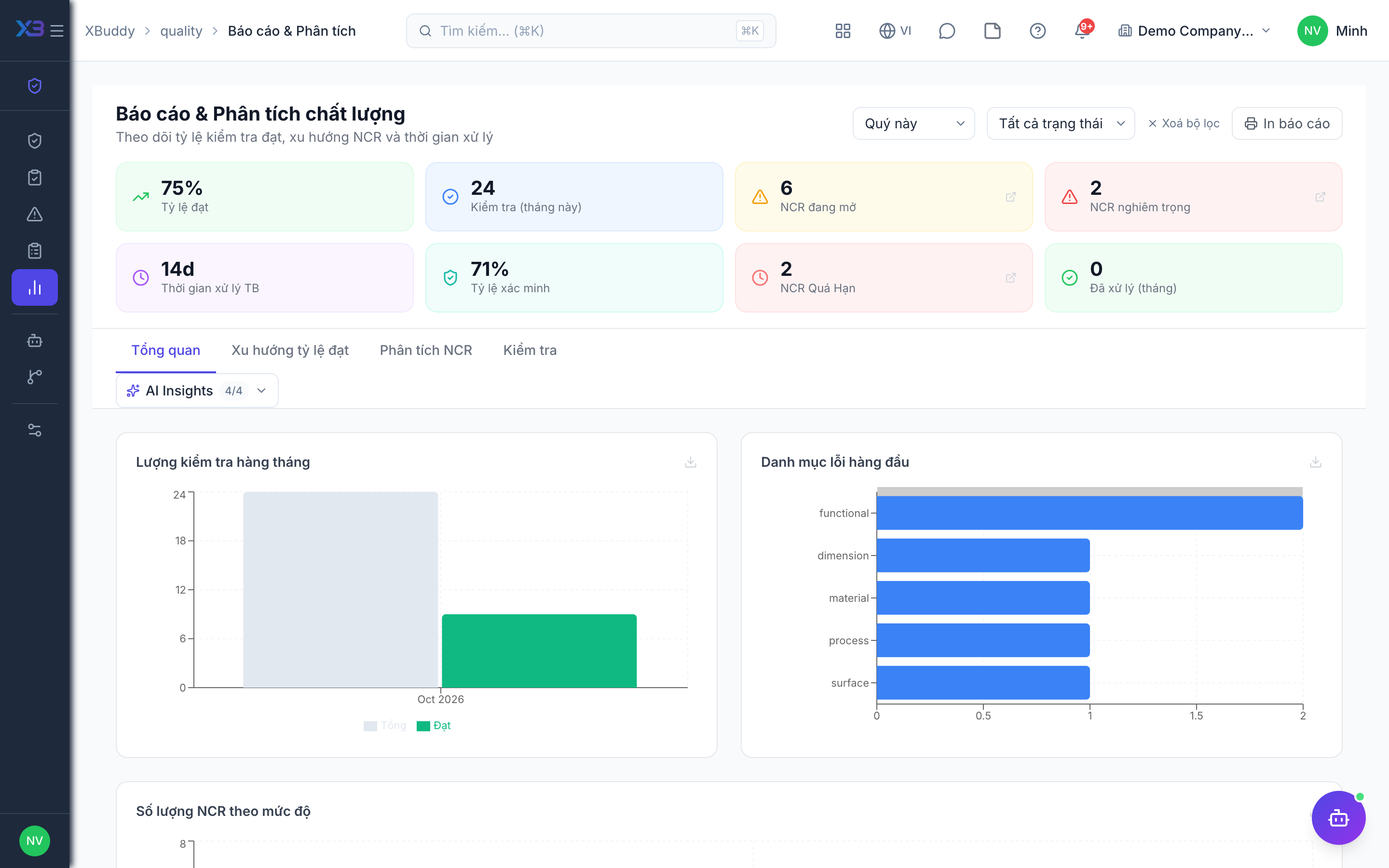
Go to Quality → Reports to see pass rate, defect rate and NCR aging, and export CSV for reviews.
When to use
Use the overview for a weekly look at quality, and reports for supplier reviews, management meetings or audits.
Before you start
- Open
/quality(overview) and/quality/reports. Permission:quality:read. Figures follow your data scope — inspections you inspected or created, NCRs assigned to or created by you — unless you have wider scope.
Read the overview
/quality compares this period with the previous one: pass rate, open and overdue NCRs.
Open reports
Pick the date range in /quality/reports to see trends in pass rate, defect rate and NCR aging.
Export
Export CSV for review meetings.
Tips & common mistakes
- Compare equal periods; a short month will look different from a long one.
- A low pass rate for one supplier needs inspections linked to its goods receipts, otherwise it is hidden in the average.
- Overdue and unverified NCR lists matter more than the average — act on them first.
- The quality assistant can warn about falling pass rate and supplier quality in the AI Hub.