Customers & loyalty
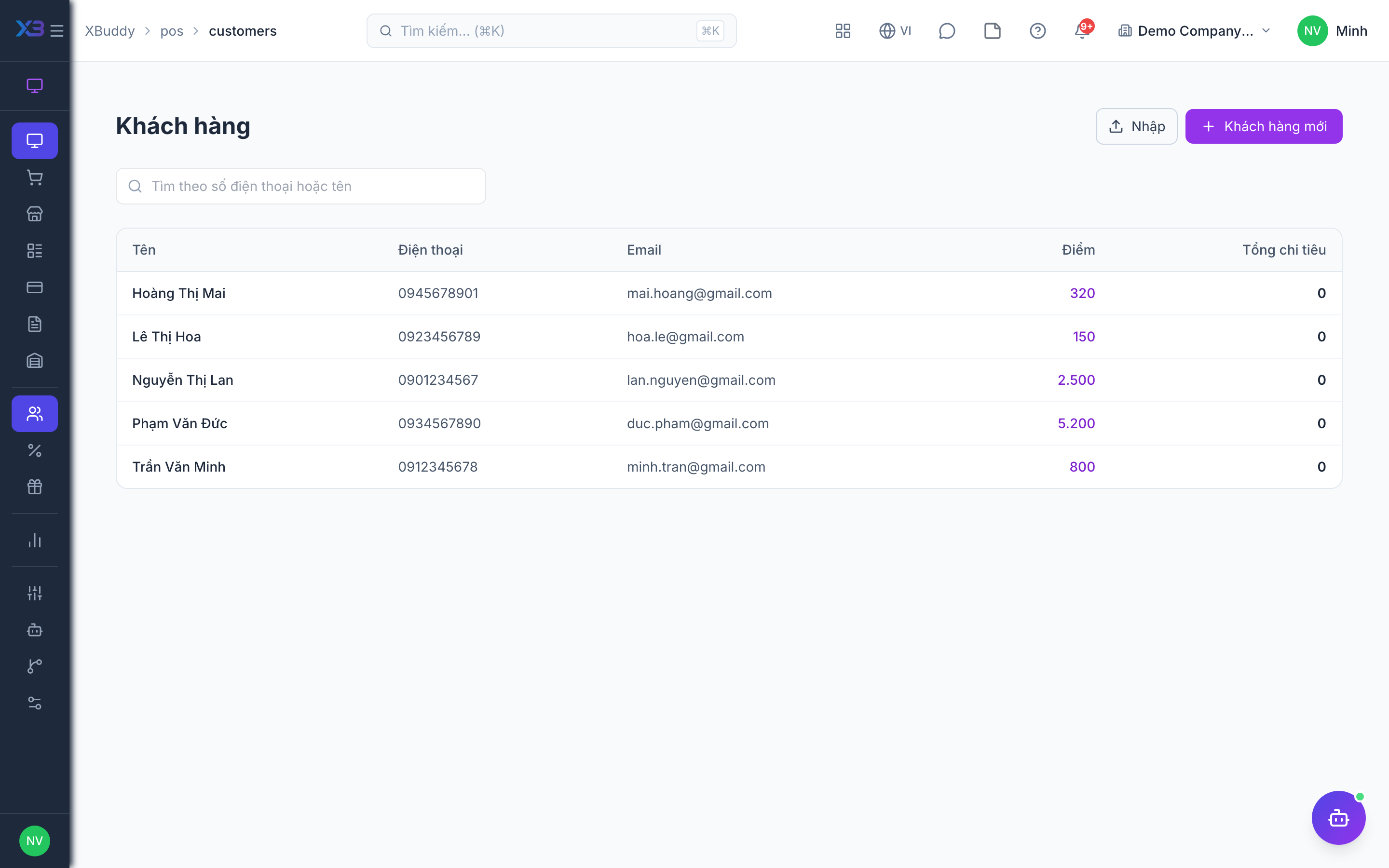
POS customers link sales to people, so you can see purchase history and earn or redeem loyalty points.
When to use
Use it to capture a customer at the counter, import a customer list from a file, or check a customer’s points and past purchases.
Before you start
- Open
/pos/customers. Permissions:pos:customers:readto view,pos:customers:writeto create or edit. - Toggles:
pos.loyalty_points_enabled(default on) earns and spends points;pos.customer_required_on_sale(default off) forces a customer on every sale.
Add or find a customer
Search by name or phone at the Terminal or in POS → Customers; create a new customer if none exists.
Import from a file
Import a customer list from a file, review the preview and confirm the import.
Review history and points
Open a customer to see their sales and points balance.
Tips & common mistakes
- Pick the customer before payment; points are earned at the time of sale.
- Turn
pos.customer_required_on_saleon only if every sale must be traceable — it slows the queue. - Preview an import first to catch duplicates and bad rows.