Disposal & revaluation
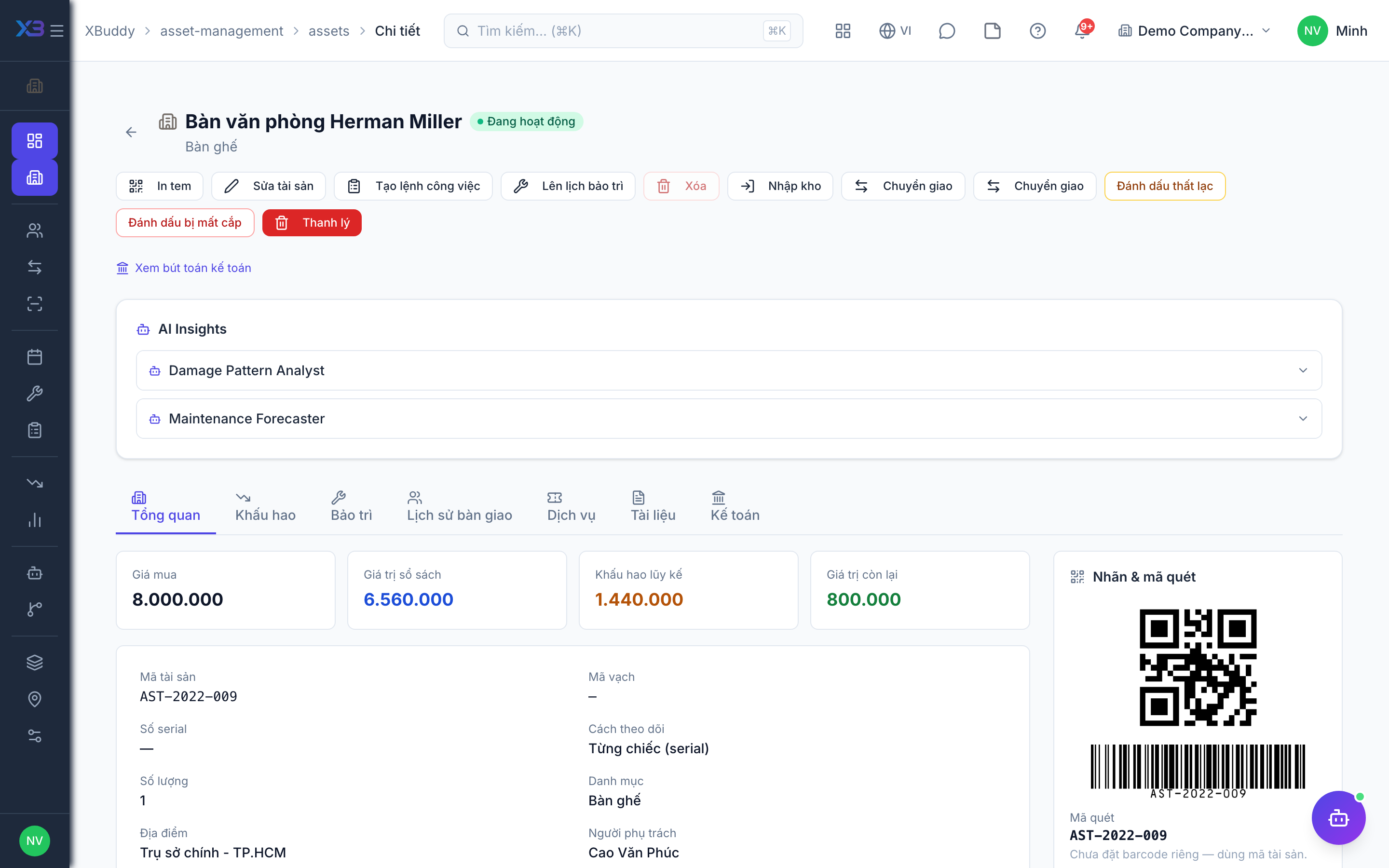
Disposal retires an asset (sold, scrapped, lost or stolen); revaluation changes its recorded value and can be undone once.
When to use
Use disposal when an asset leaves the business, and revaluation when its value must be restated.
Before you start
- Open the asset at
/asset-management/assets. Permissions:assets:approveto dispose of an asset; accountants handle the entries in Accounting. - The asset must have no open assignment.
- Revaluation surplus accounts depend on your accounting standard; a standard without a revaluation surplus account is rejected by the system rather than guessed.
Close the assignment
Check the asset in first. An asset with an open assignment cannot be disposed.
Dispose or record loss
Choose dispose (sold or scrapped) or record the asset as lost or stolen, with date and reason.
Revalue
Enter the new value; the entry goes to Accounting. You can reverse the most recent revaluation.
Tips & common mistakes
- Disposed, lost and stolen assets are final: they cannot be assigned or transferred.
- Dates follow the company date, not UTC.
- Reverse only the latest revaluation; earlier ones cannot be undone first.
- Disposing in the register does not replace the accounting disposal — they are linked; check Accounting.