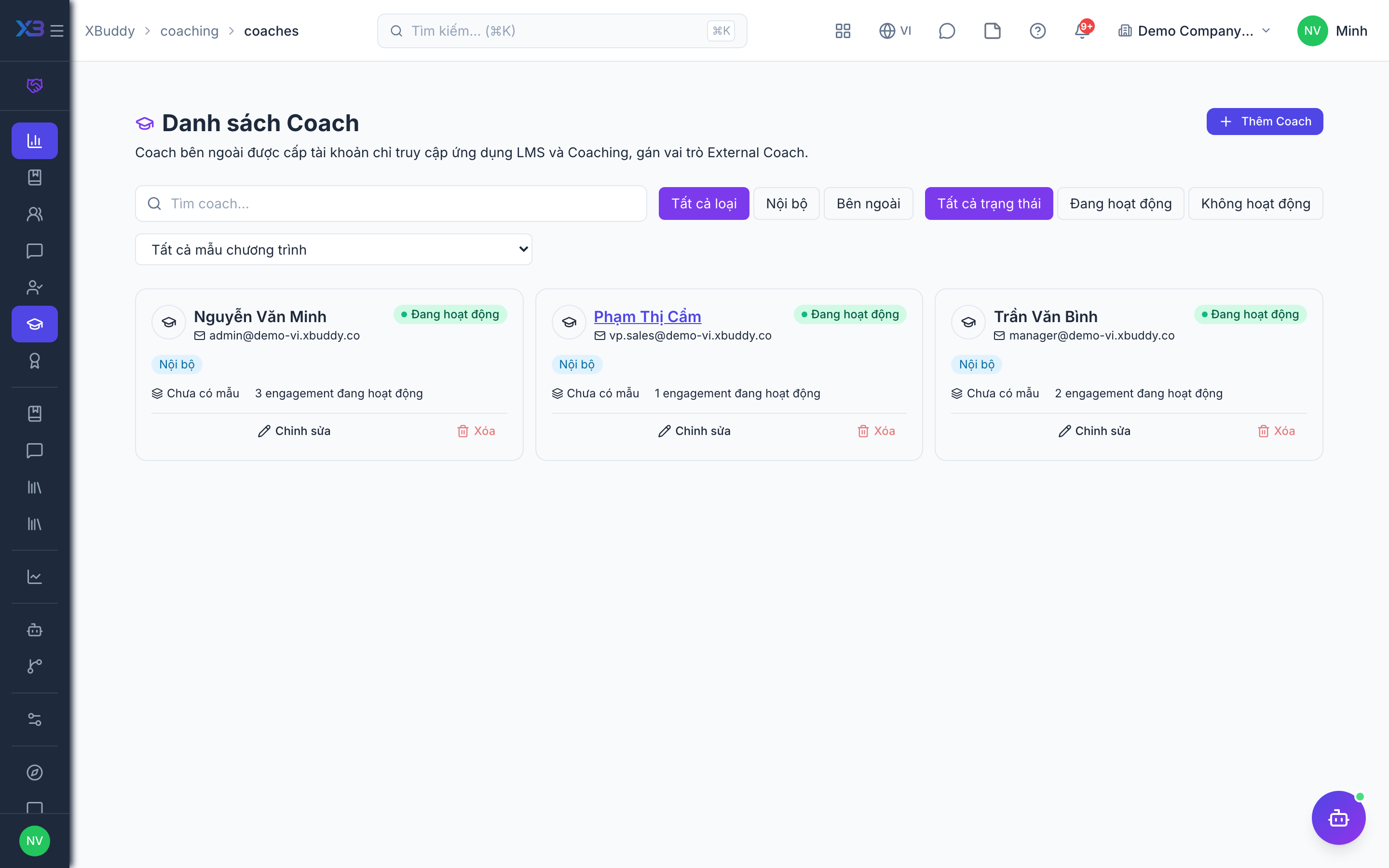
Coaches and coachees
Manage the coach directory and follow your own coachees.
When to use
Use this to manage who can coach and to follow the people you are coaching. HR keeps the coach directory, including outside coaches; managers use their own coachee list.
Before you start
- Permissions:
coaching_coaches:managefor the Coach directory and external onboarding;coaching:readfor My Coachees. - Toggle
people.coaching_external_enabled(default off, on for new companies) is needed to onboard outside coaches and use outside coachees. - An outside coach is created as a contractor record linked to the coach profile.
Maintain the coach directory
Go to Coaching → Coaches (/coaching/coaches) and add or onboard coaches, including outside coaches.
Open your coachees
As a coach, open My Coachees (/coaching/my-coachees) to see everyone you coach and their progress.
Act from the list
Jump to an engagement or session to schedule, record or follow up.
Pages
| Page | Route | Used by |
|---|---|---|
| Coaches | /coaching/coaches | HR and coordinators |
| My Coachees | /coaching/my-coachees | The coach |
Coaches can also be reached from the LMS trainer directory.
Tips & common mistakes
- Onboard external coaches here rather than creating employees by hand.
- Check a coach’s load before assigning another engagement.
- Use My Coachees as the daily starting point for a coach.
- Coachees without accounts use the portal link, not a login.