Procure-to-Pay
Use this flow to buy goods or services with a controlled chain into AP and stock. Optional RFQ and GRN steps scale from a two-person office to a 3PL.
Apps involved: Procurement · Inventory · Finance · Accounting · Quality when inspections are on
Purchase requisition (optional)
An internal request for goods or services. Approval can sit in Workflow before a buyer converts it.
RFQ (optional)
Collect supplier quotes, compare, then award a purchase order.
Purchase order
The commitment to the vendor. After approval and send, it drives receipts and bills.
- Typical status: draft → submitted → approved → sent → (partially) received / cancelled
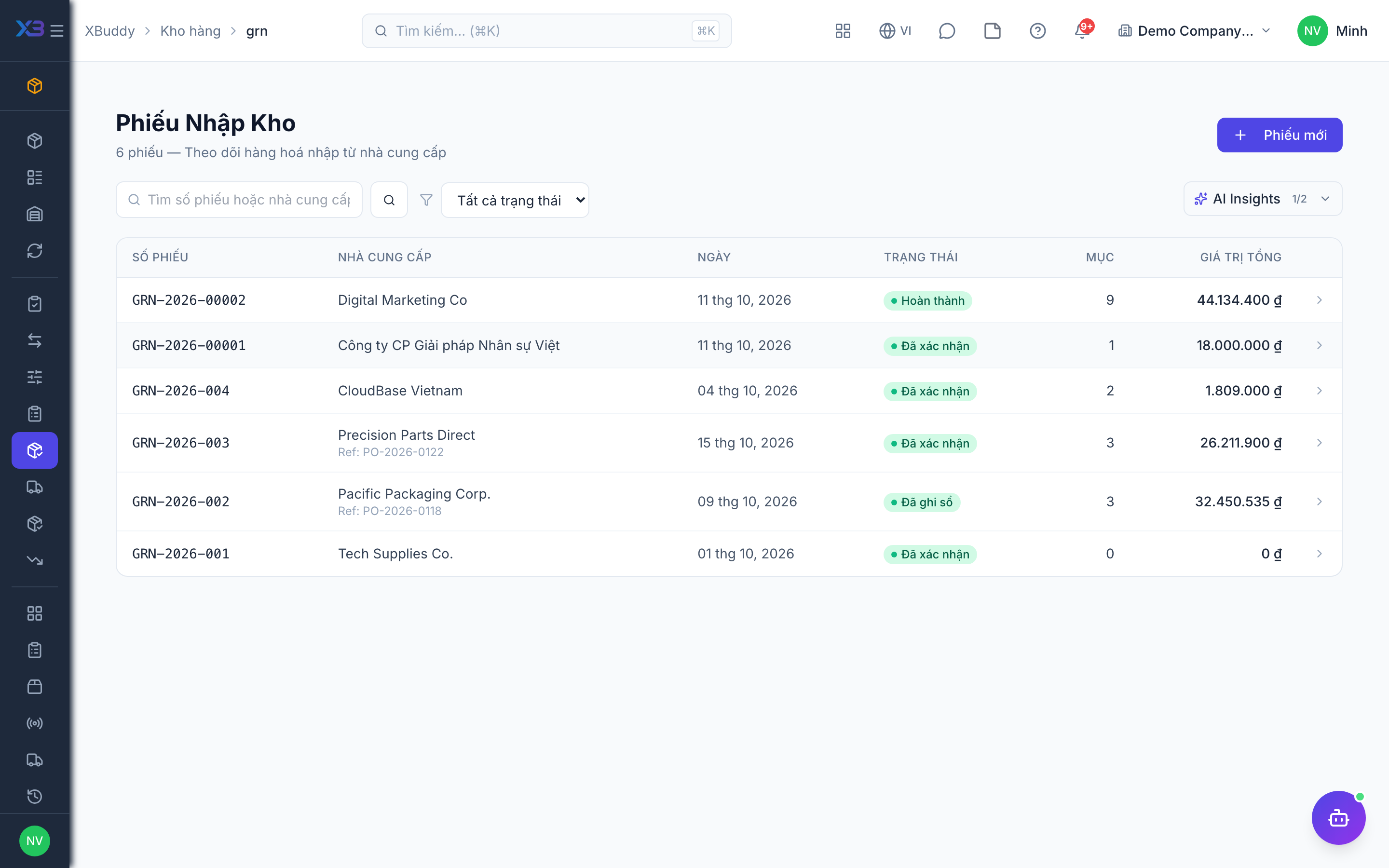
Goods receipt (optional) — Inventory
Physical inbound. Confirms quantities, can start QC, and layers cost into stock. Capitalisable receipts can create assets (see Inventory, Quality & Assets).
Vendor bill — Finance
AP invoice. Three-way match compares PO, GRN, and bill when that toggle is on.
Payment
Settle the bill; AP and bank update together. Early-payment discounts can be flagged by AP Manager.
Vendor returns
If goods are sent back after receipt, a vendor return plus debit note reverses stock and AP — the buy-side counterpart of customer returns.
Cross-app hand-offs
| From | To | When |
|---|---|---|
| Approved PR | RFQ or PO | Buyer action |
| PO received | GRN / stock | Goods inbound |
| GRN + PO + bill | Match exception or pass | 3-way match on |
| Bill posted | AP journal | Bill issued |
| GRN confirmed | Asset / FA | Capitalisation rules |
Related
- Order-to-Cash
- Workflow: requisition, RFQ, PO, GRN, bill
- AI: Procurement Assistant · AP Manager