Service contracts and job acceptance
Contracts define ongoing service terms; job acceptance formalises completion before billing.
When to use
Use contracts for customers on recurring maintenance or SLA terms. Use acceptance when you want the customer’s sign-off before invoicing.
Before you start
- Permissions:
field_service:readto open/field-service/contracts;field_service:manage_contractsto create and edit them. - Toggles:
service.field_service_contracts_enabled(default off, on for new companies) shows Contracts;service.enforce_contract_validation(default off) checks coverage on jobs;service.invoice_on_acceptance(default off, on for new companies) andservice.customer_signature_required(default off) drive acceptance. - These contracts are Field Service contracts, separate from Service Management contracts.
Set up contracts
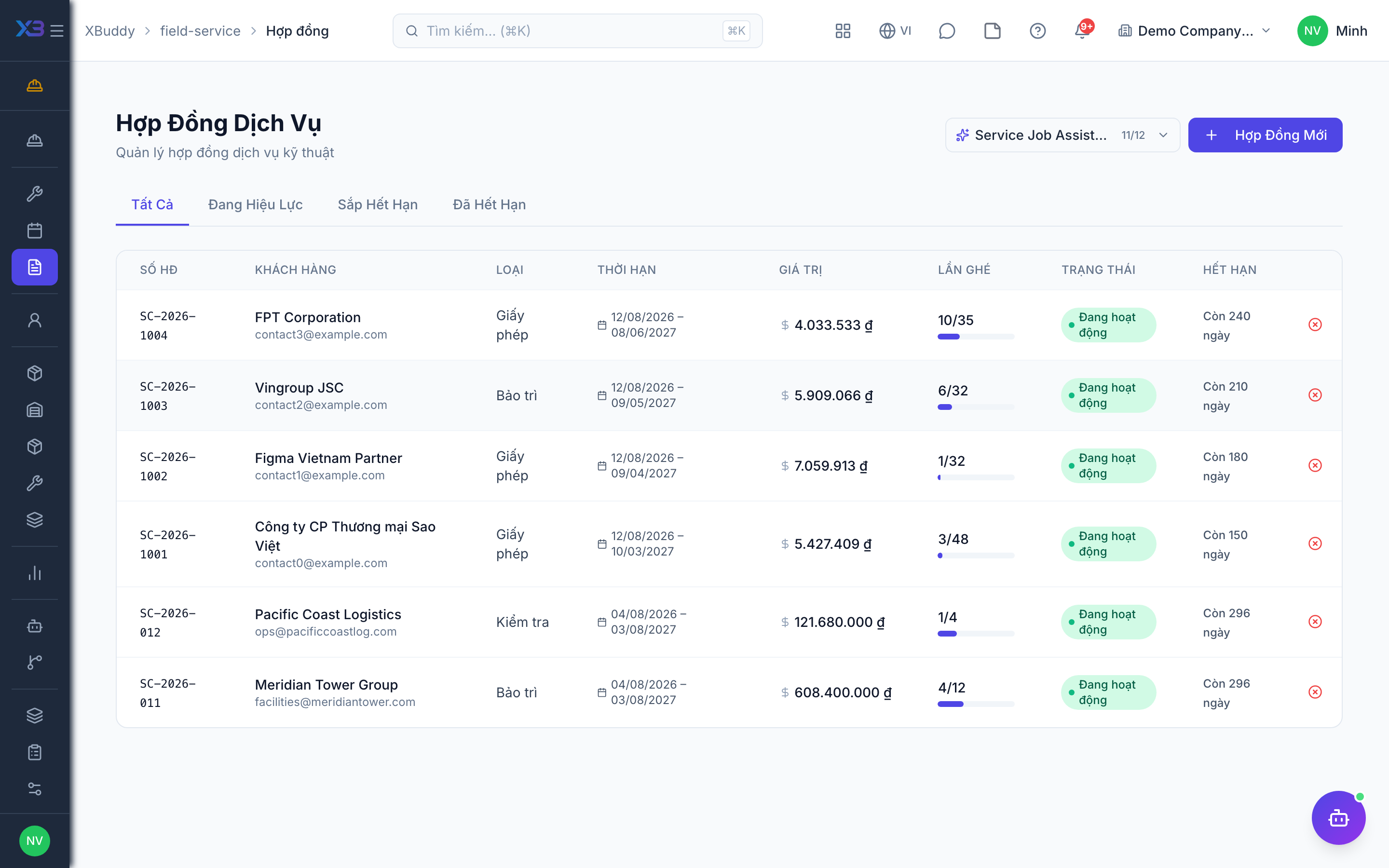
Go to Field Service → Contracts (/field-service/contracts) to define SLA, recurring visits, and covered services per customer.
Complete and accept
When a technician finishes, the job enters the acceptance step. The customer accepts, or disputes; a disputed job is reworked, and completion can be voided if needed.
Bill on acceptance
Depending on settings, an accepted job triggers deferred invoicing so billing follows sign-off.
Check coverage on a job
The job shows a warranty / coverage hint from the contract so the coordinator knows whether the visit is covered. It is advisory; it does not block the job unless contract validation is on.
Chase pending sign-offs
Jobs in “pending acceptance” are not open for dispatch but still need the customer’s reply — review them regularly.
Tips & common mistakes
- Do not confuse these contracts with Service Management contracts (the commercial SOW/MSA); a ticket can link to a Field Service contract.
- A disputed job needs a reason and rework; do not re-open the same job for new work, create a new one.
- If an invoice was issued by mistake, void the invoice first; then the job can be voided.
- Turn on signature capture only if technicians have a device on site.