Overtime approval
Overtime beyond scheduled hours goes through an explicit request-and-approve flow inside Attendance, so extra pay is authorised — not automatic.
When to use
Use this when staff work beyond their scheduled hours and the extra time must be authorised before it is paid. It keeps overtime within labour-law limits and consistent with payroll.
Before you start
- Permissions:
attendance:readandattendance:manageto see and decide overtime requests. - Toggle
people.attendance_labor_limits(default off): when on, caps on hours and overtime per day, month and year are checked at approval, and a limit can block or require acknowledgement. - Toggle
people.overtime_approval_required(default on): overtime needs approval to count. - Overtime is rounded to
people.attendance_ot_rounding_minutes(default 15).
Configure overtime rules
Before requests come in, define overtime rules (rate multipliers, daily/weekly caps) from the Attendance page’s overtime-rules tab so approvals are consistent and payroll picks up the right rate.
Request overtime
An employee submits an overtime request from Attendance, stating the date, hours, and reason.
Manager approves or rejects
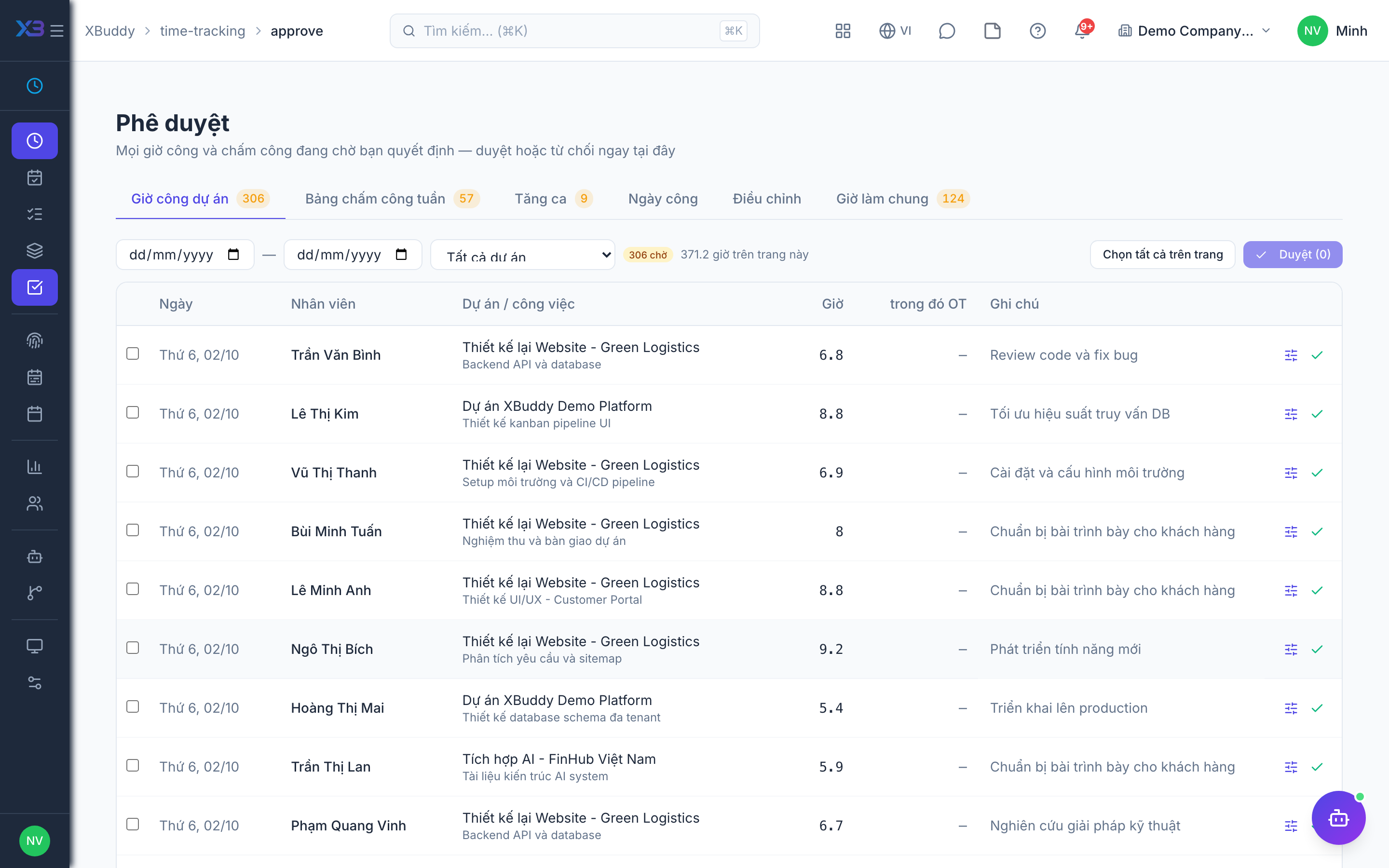
The manager reviews and approves or rejects each request from the Overtime tab of Time Tracking → Approvals (/time-tracking/approve). A worker sees only their own overtime requests unless they hold the broader attendance-management permission.
Flows to payroll
Approved overtime hours are handed to Payroll for the correct overtime-rate calculation in the next pay run.
Overtime statuses
| Status | Meaning | Who moves it |
|---|---|---|
| Pending | Requested, waiting for a decision | The employee or the system requests it |
| Approved | Counted; flows to payroll at the overtime rate | A manager in Approvals |
| Rejected | Not counted | A manager in Approvals |
Overtime is classified by day type: regular day, Sunday, holiday or night.
When a limit is hit
If a cap would be exceeded, approval is refused; for warning-level limits you can approve again after acknowledging the warning.
Tips & common mistakes
- Approve in the Overtime tab of Approvals; the operational Attendance pages have no approve buttons.
- Old links to the attendance overtime tab redirect to the inbox.
- A worker sees only their own requests unless they hold the broader attendance permission.
- Set labour rules before the first month so limits apply from the start.