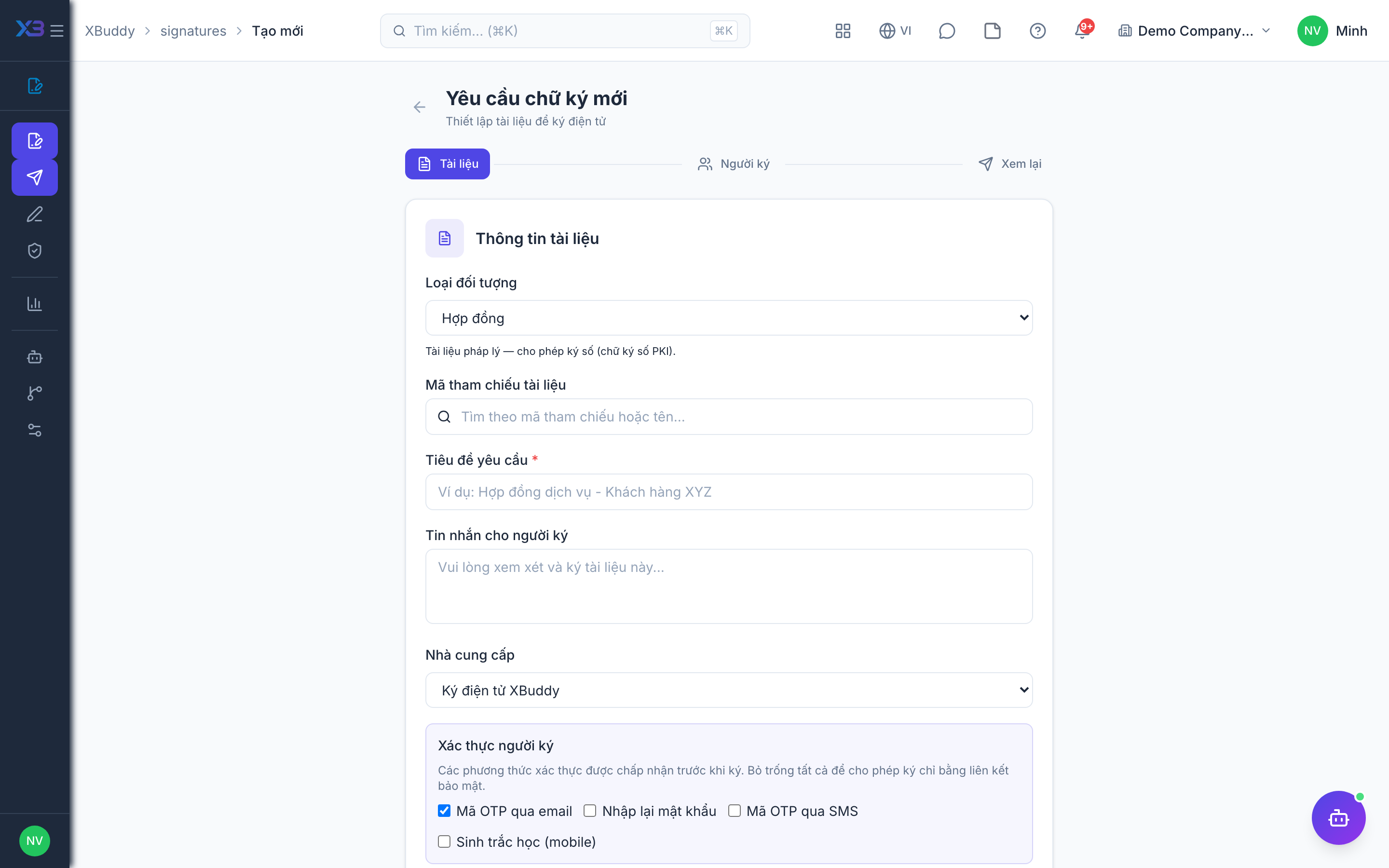
Bulk scheduling
When the same document must go to many people (a policy acknowledgment, a renewal notice), bulk scheduling sends them all at once, each as its own trackable request.
Prepare the template
Create the request with fields placed once.
Add the recipient list
Provide the list of signers (import or select). XBuddy generates one request per recipient.
Send in bulk
Dispatch all at once; each recipient gets a personal link and each request tracks independently.
When to use
Use bulk creation when many records need a signature and you do not want to build each request by hand, for example every matching order above a value threshold. The Signature Steward assistant can create these requests in one run for records that match configured conditions.
Before you start
- You need
signatures:writeto create requests and access to the AI Hub at/signatures/automation/agents. - Decide the conditions the assistant should use (value threshold, record status); it only acts on records that match them.
Tips & common mistakes
- Test your conditions on a small set first; every matching record gets its own request.
- Each request is independent, so one decline or expiry does not affect the others.
- Follow progress in the request list and in Reports rather than checking each request.
- The assistant also re-issues expired signing links and sends drafts that were never sent; review its activity in the AI Hub.
Related