Product modifiers
Modifiers capture variants and add-ons on a line — a coffee’s size, a shirt’s color, or extra toppings — so the cart reflects exactly what was sold and priced.
When to use
Use modifiers when the same product is sold in variants or with add-ons — size, sugar level, toppings, colour — and the cashier must record exactly what the customer chose.
Before you start
- Permissions:
pos:modifiers:read/pos:modifiers:writeto manage groups at/pos/modifiers;pos:useto pick modifiers on the Terminal. - Modifier groups are attached to products; the product must already exist in the catalog.
Define modifier groups
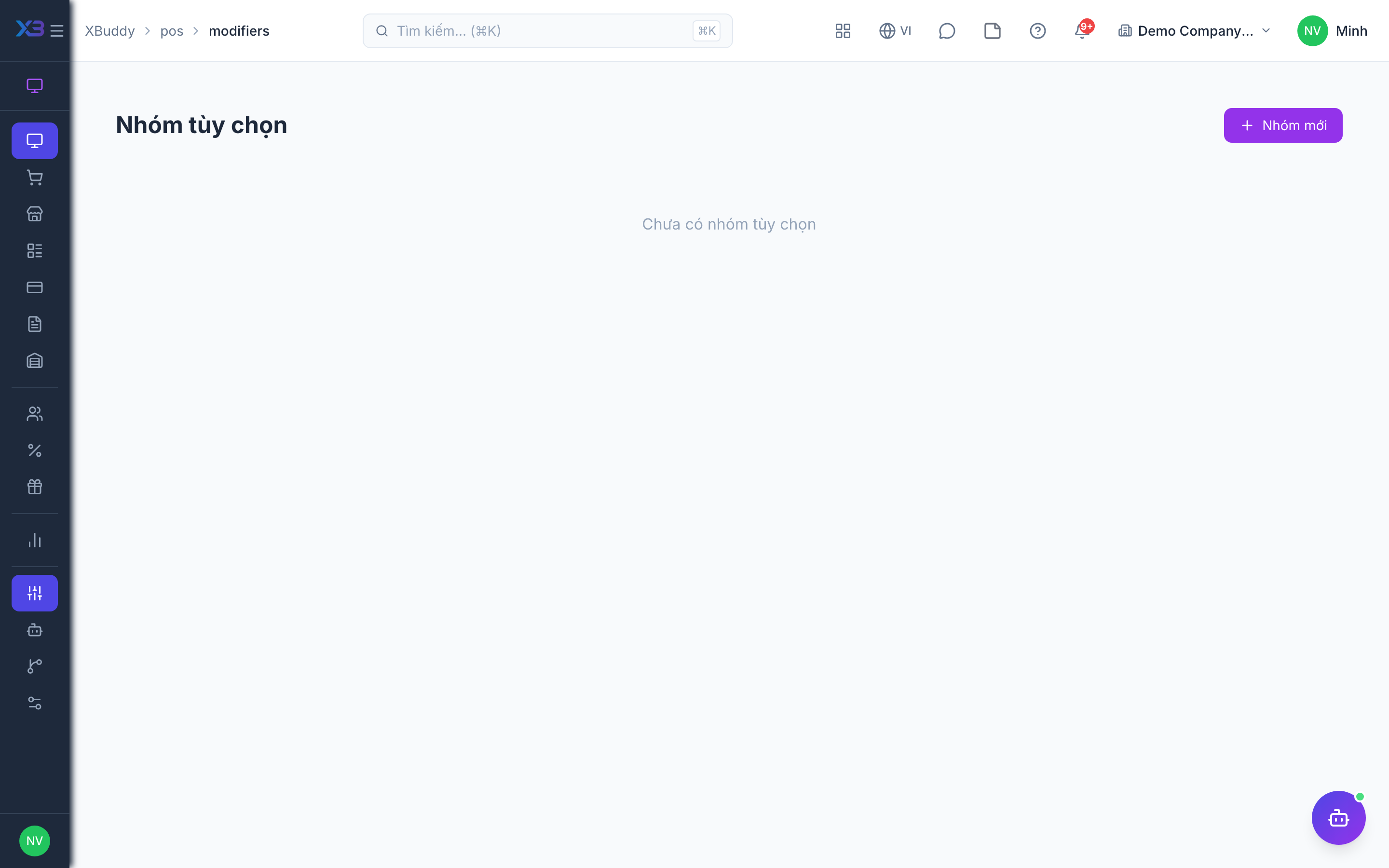
Go to POS → Modifiers and create groups (e.g. “Size”, “Add-ons”) with options and any price deltas.
Attach to products
Assign modifier groups to the products that need them.
Pick at checkout
When a modified product is added on the Terminal, the cashier selects the options; the price and receipt reflect the choices.
Keep the groups tidy
Reuse one group (for example “Size”) across many products instead of creating copies, so a change to the options updates every product that uses it.
Tips & common mistakes
- Name option groups the way the cashier says them (“Size”, “Toppings”), so they are quick to find at the till.
- Put the price change on the option, not in the product name, so the cart total stays correct.
- Test a new group on the Terminal before the shift starts.
- If an option does not appear at checkout, confirm the group is attached to that product.