Three-way matching
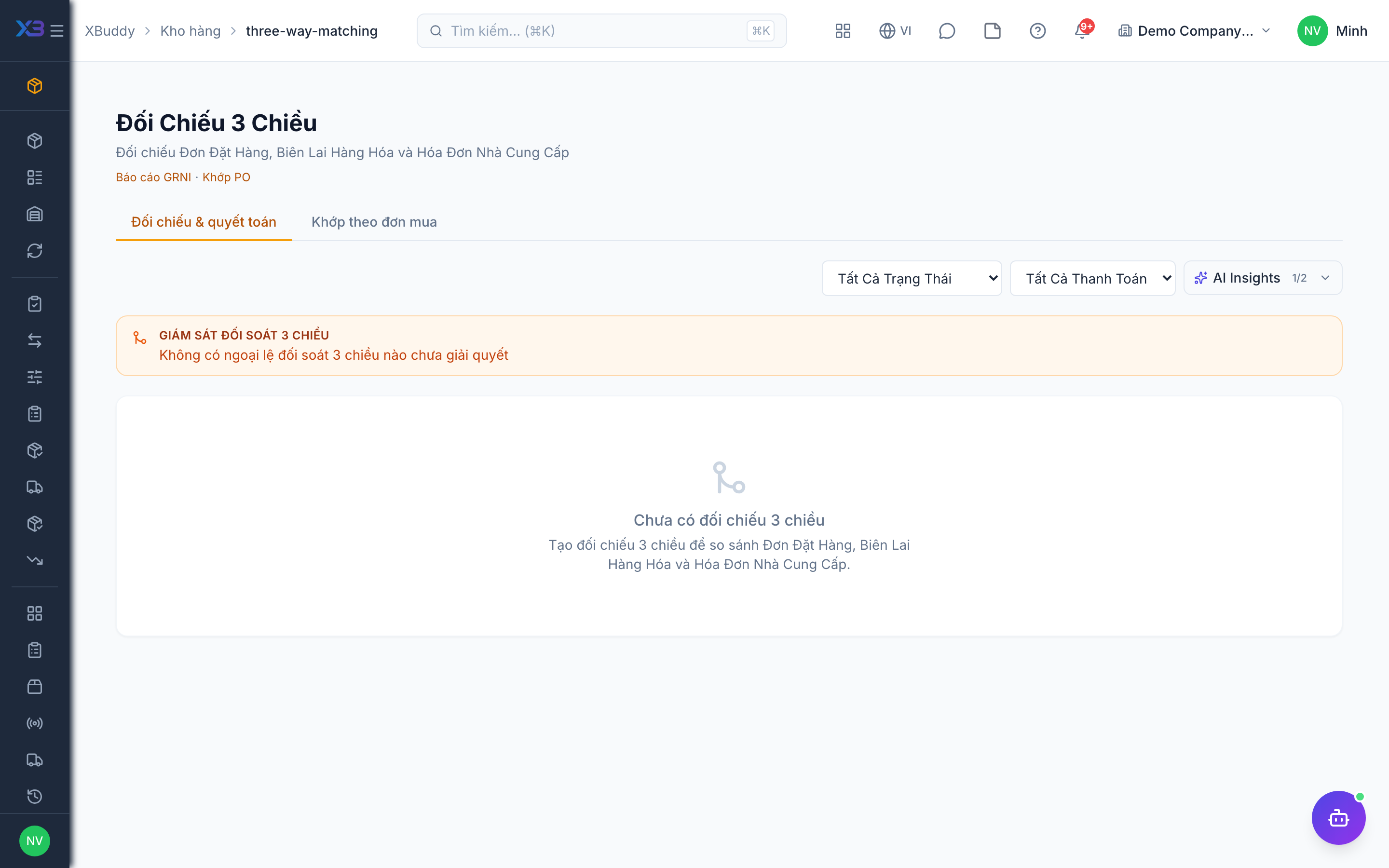
Three-way matching compares the purchase order, the goods receipt and the supplier bill, so you do not pay for goods you did not receive.
When to use
Use it before approving a supplier bill for goods or whenever a bill quantity or price looks different from the order or receipt.
Before you start
- Open
/inventory/three-way-matching. Permissions:three_way_match:readto view; matching and approval need the write and approve rights of the same group. - The PO, GRN and bill must be linked through the document chain.
Open the match
Find the bill in the list; the PO, GRN and bill lines appear side by side.
Review differences
Check quantity and price differences line by line.
Resolve
Fix the receipt or bill, or approve the match with the difference accepted.
Tips & common mistakes
- Confirm the GRN before matching; an unconfirmed receipt always shows a shortage.
- Match partial deliveries bill by bill.
- Do not pay a bill with an open difference unless it has been approved.