Categorizing the wiki
Structure knowledge by team and topic so people can browse, not just search.
When to use
Set up categories and tags when the wiki grows beyond a few dozen articles, or before you turn on the public portal, because the portal only shows articles in categories marked public.
Before you start
- Categories need
kb:write; the tags page needskb:read. - Data scope (own / team / all articles) is set by someone with
knowledge:admin. knowledge.public_access_allowed(default: on) controls whether the public portal is allowed at all.
Steps
-
Open
/knowledge/settings/categories. -
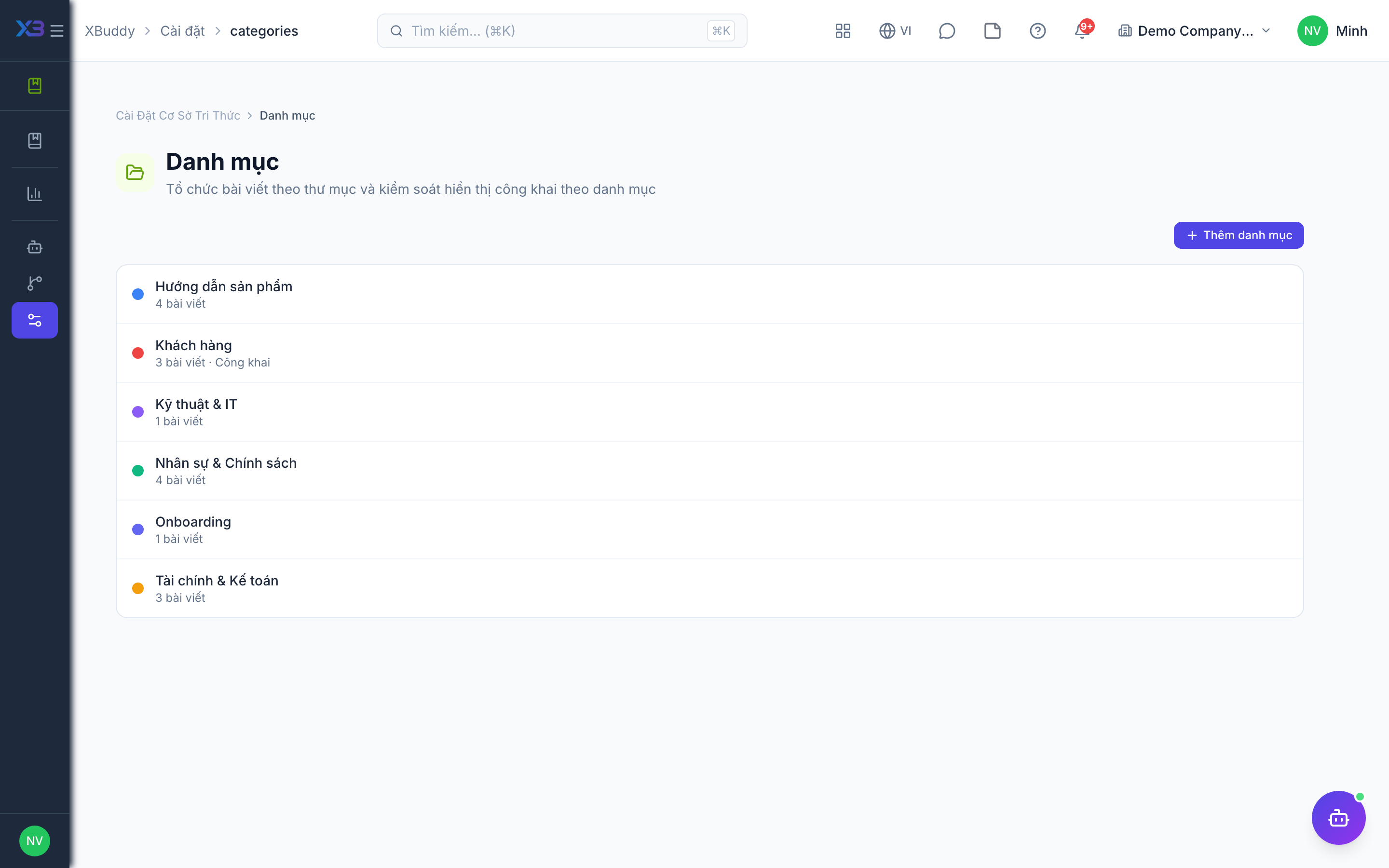
Create categories per team or domain.
-
For categories whose articles may be shown to customers, mark the category as public. Leave internal ones unmarked.
-
Manage tags at
/knowledge/settings/tagsso naming stays consistent. -
To limit who sees whose articles, open
/knowledge/settings/accessand choose the data scope (own, team or all). This needsknowledge:admin.
Tips & common mistakes
- An article is only public when it is published, marked Public and in a public category; fixing only one of these will not expose it.
- Do not create one category per article; keep the tree shallow enough to browse.
- Merge near-duplicate tags instead of adding variants.
- Data scope limits articles by author; check it if someone cannot see colleagues’ drafts.