Returns, debit notes, and service confirmations
Three after-purchase documents: send goods back, adjust what you owe, and confirm services before billing.
When to use
Use a vendor return when physical goods go back, a debit note when only money changes, and a service confirmation when you buy a service that has no goods receipt.
Before you start
- Pages:
/procurement/vendor-returns,/procurement/debit-notes,/procurement/service-confirmations; reading needsprocurement:read, and service confirmations needservice_confirmations:read. - Approving and voiding returns and debit notes needs the procurement approve permission; confirming or voiding a service confirmation needs the service confirmation approve permission; creating a bill needs bills write.
- Toggle
procurement.vendor_return_grv(default on) andprocurement.vendor_return_landed_cost_recovery(default off) control return receipts and landed-cost recovery.
Step by step
Handle returned goods
Go to Procurement → Vendor Returns (/procurement/vendor-returns) to return defective or over-delivered stock, starting from the GRN. A return is approved, shipped, then completed; shipping takes stock out and posts the ledger entry.
Raise a debit note
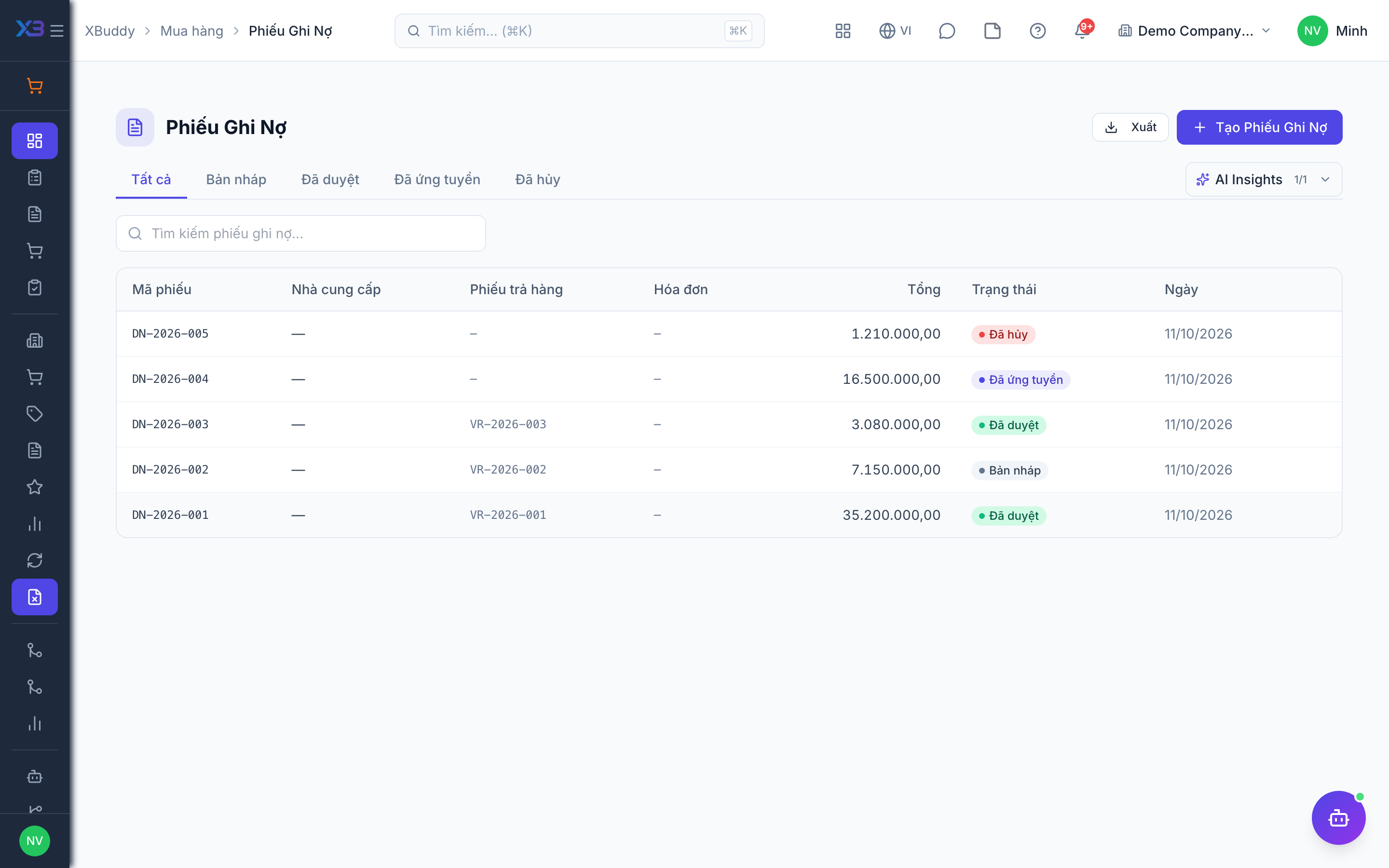
Use Procurement → Debit Notes (/procurement/debit-notes) for price corrections and short deliveries. Approve it to post the payable adjustment. A debit note can also follow a vendor return.
Confirm services
For consulting, installation, or subcontracting, use Procurement → Service Confirmations (/procurement/service-confirmations) to acknowledge completion on a service PO, then create the vendor bill from it.
Reverse when needed
A shipped return can be voided, which puts the stock back and reverses the entry. A debit note can be cancelled while draft or voided once approved.
Document lifecycles
| Document | Steps | Reversal |
|---|---|---|
| Vendor return | Draft, approve, ship, complete | Void (blocked while a live debit note is linked) |
| Debit note | Draft, approve | Cancel while draft; void once approved |
| Service confirmation | Draft, confirm, create bill | Void (blocked while a live bill is linked) |
Tips & common mistakes
- Choose a Vendor Return when stock moves and a Debit Note when it does not.
- Void the linked debit note or bill first, otherwise the void is refused.
- Create service bills from the confirmation so the link is preserved.
- Returns and debit notes follow your data scope; you only see documents in your scope.