KPI dashboards and scorecards
When to use
Use this to measure results with numbers instead of impressions: assign KPIs, let them fill from real business data, close the period with a reviewed sign-off, and see the balanced scorecard and sales leaderboards.
Before you start
- Permission:
performance:readto view;performance:writeto assign and enter values;performance:approveto approve closures. - Toggle
people.okr_kpi_sync(default off, on for new companies): completing a linked LMS course checks in the linked key result. - Completion Evaluation appears in the menu when the mode
people.completion_evaluation_modeis manual or KPI.
Track KPIs live
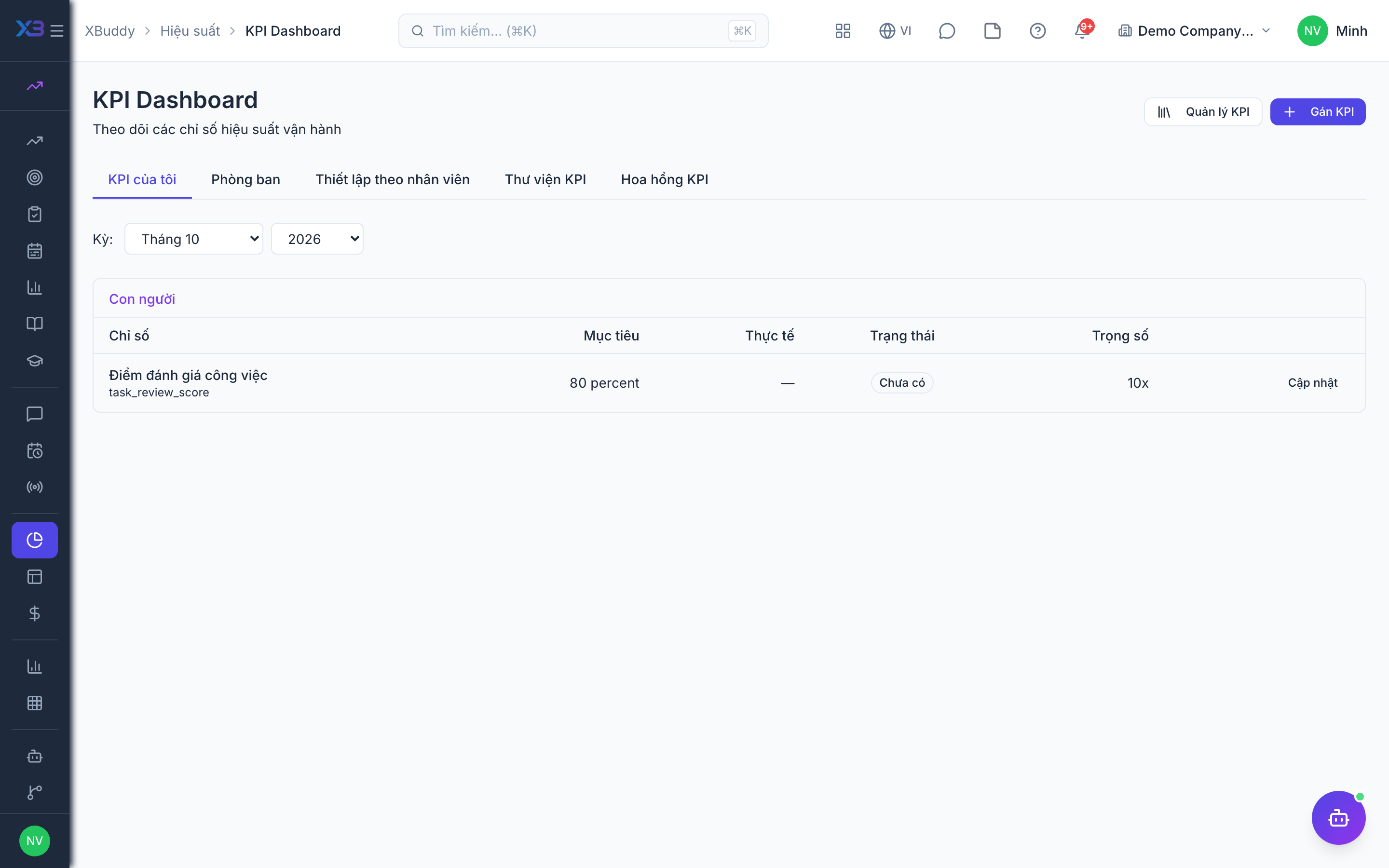
Go to Performance → KPI Dashboard to monitor the metrics that matter, synced with OKR key results.
Read the balanced scorecard
Go to Performance → Balanced Scorecard to view performance across financial, customer, process, and learning perspectives in one frame.
Drill into performance analytics
Go to Performance → Performance Analytics (and Sales Performance for revenue teams) to slice results by team, period, and rating.
KPI closure statuses
| Status | Meaning | Who moves it |
|---|---|---|
| Draft | Closure created for the period | The KPI owner or manager |
| Submitted | Period figures sent for review | The submitter |
| Approved | Period closed; this is the figure payroll can use | A reviewer with performance:approve |
Data sources
KPIs can pull numbers automatically: deals won, pipeline value and contacts added from CRM; sales order metrics from Sales; completed and overdue tasks from Tasks (only when the Tasks feed flag is on). Values can still be entered by hand.
Pages
| Page | Route |
|---|---|
| KPI Dashboard | /performance/kpi |
| KPI library | /performance/kpi/library |
| Closures | /performance/kpi/closures |
| Completion Evaluation | /performance/completion |
| Balanced Scorecard | /performance/bsc |
| Sales Performance | /performance/sales |
Tips & common mistakes
- Build a KPI library first so assignments stay consistent across people.
- The sales leaderboard needs a period selected before it shows anything.
- The Sales Performance page here is not the Sales app’s own performance dashboard.
- The balanced scorecard shows four perspectives with default equal weights (25% each) that cannot be edited in the UI yet.